Accept a document as a handled risk
When a supplier uploads a certificate that isn't third-party verified, Mitigater asks you to review it before it counts as risk mitigation. Third-party certificates are auto-approved, but you can reject them too if you find something wrong. This guide walks you through both flows, starting from the dashboard.
Start from the dashboard
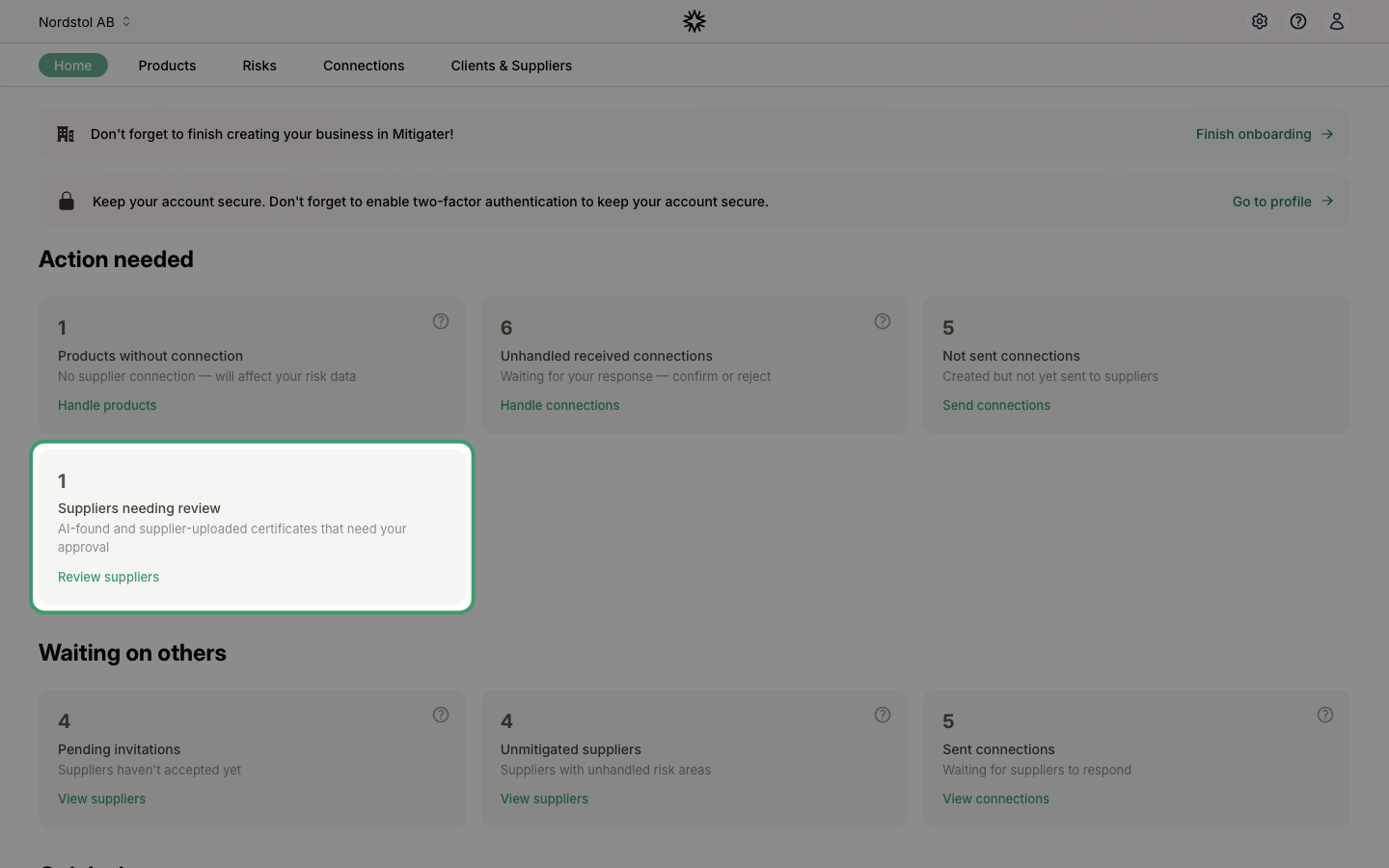
When suppliers have certificates waiting for your review, a Suppliers needing review card appears under Action needed on the dashboard. Click Review suppliers to jump straight to the list.
Open the supplier that needs review
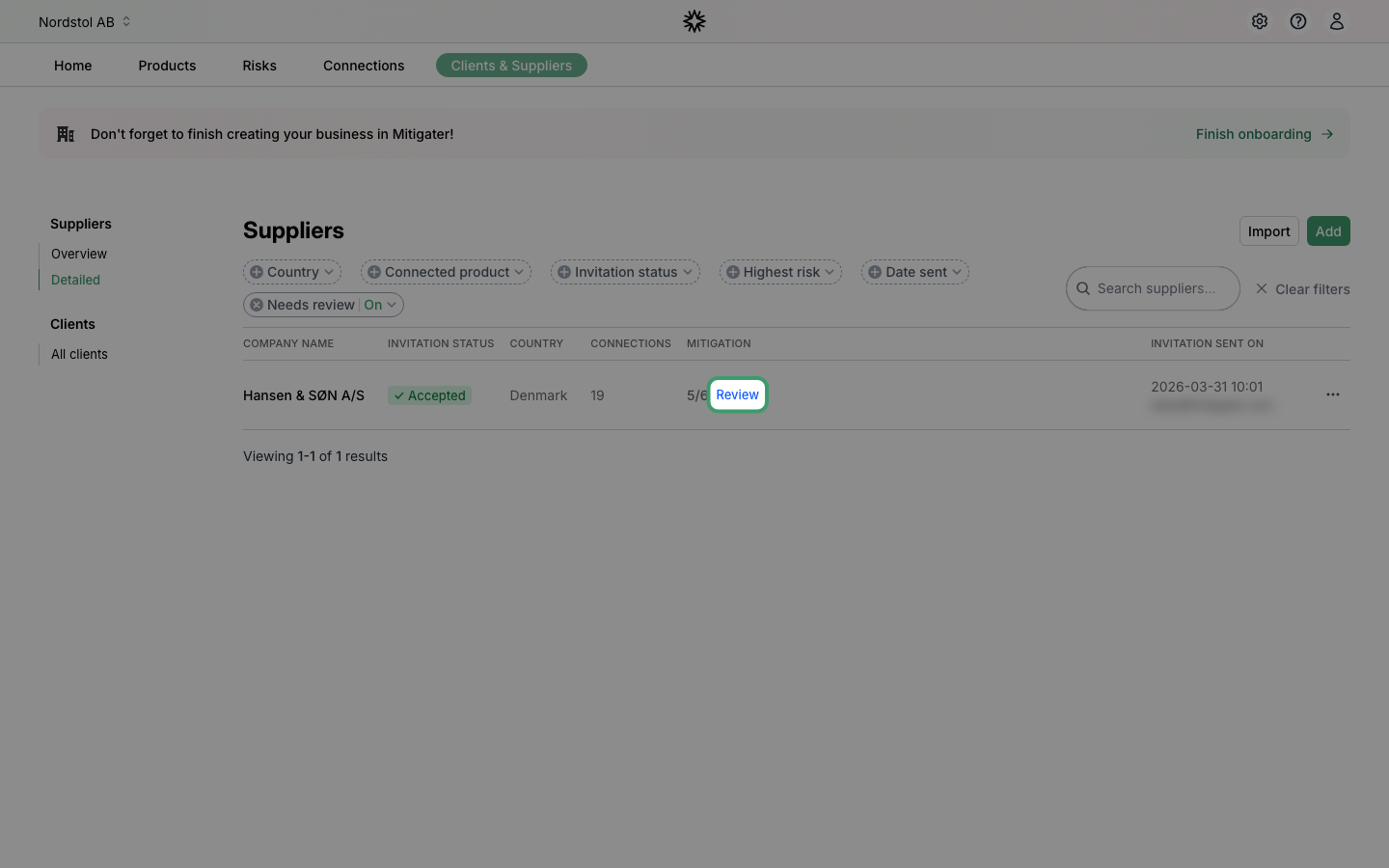
The suppliers list opens with the Needs review filter applied, so only suppliers with something to review are shown. Click the blue Review link in the Mitigation column to open that supplier's certificates.
Inspect the uploaded certificate
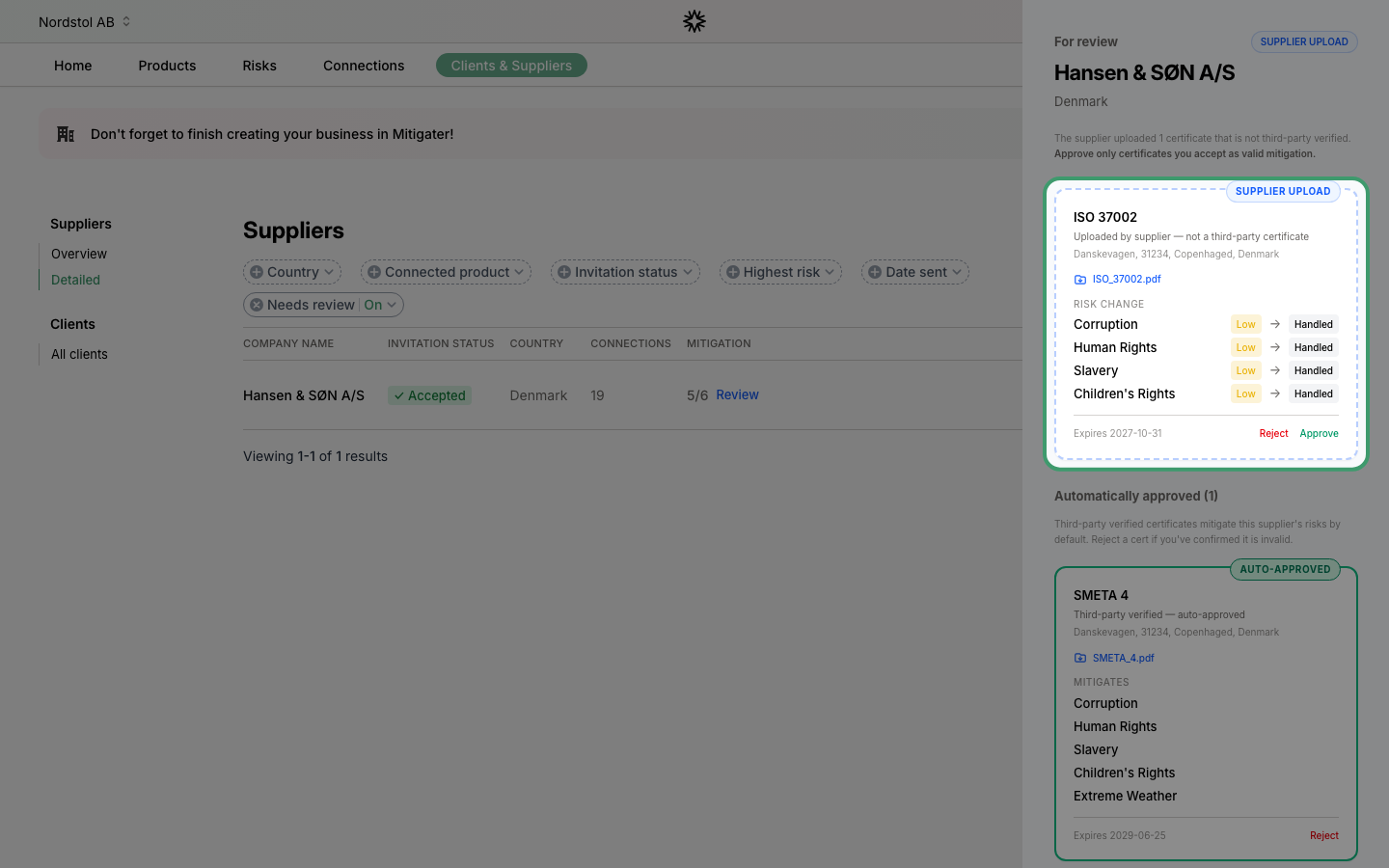
The review panel opens on the right. Certificates the supplier uploaded themselves appear with a blue SUPPLIER UPLOAD pill. Click the file name to download and read the document before making a decision — it's what your approval is based on.
Approve or reject
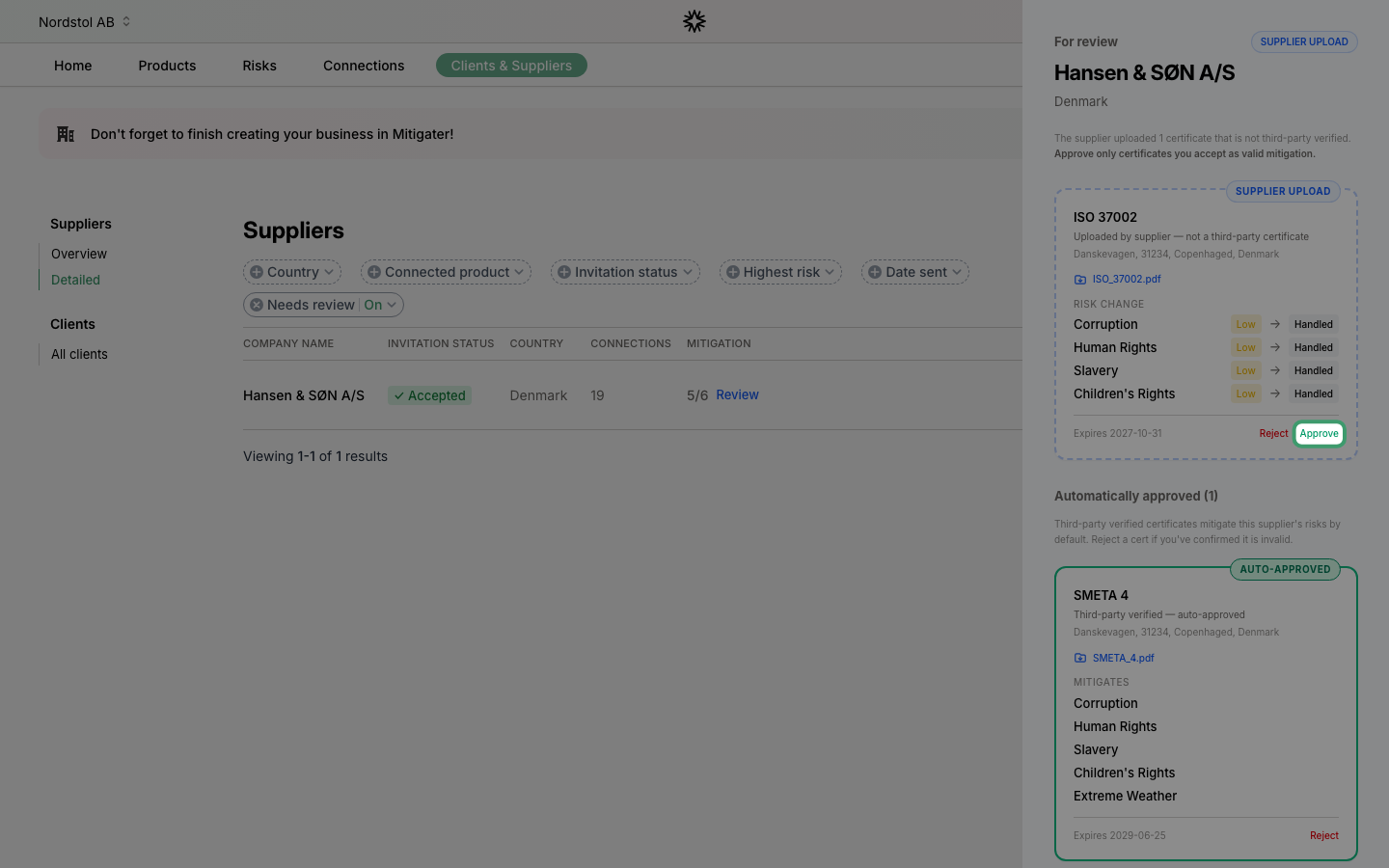
If the document is valid, click Approve and the risks it covers are marked as handled. If it doesn't hold up, click Reject instead — those risks stay unmitigated until the supplier provides something better.
Review auto-approved third-party certificates
Further down, the Automatically approved section lists third-party verified certificates (like ISO 37001 or SMETA 4). These mitigate risks by default — no action needed from you, but you can still open the file to check it.
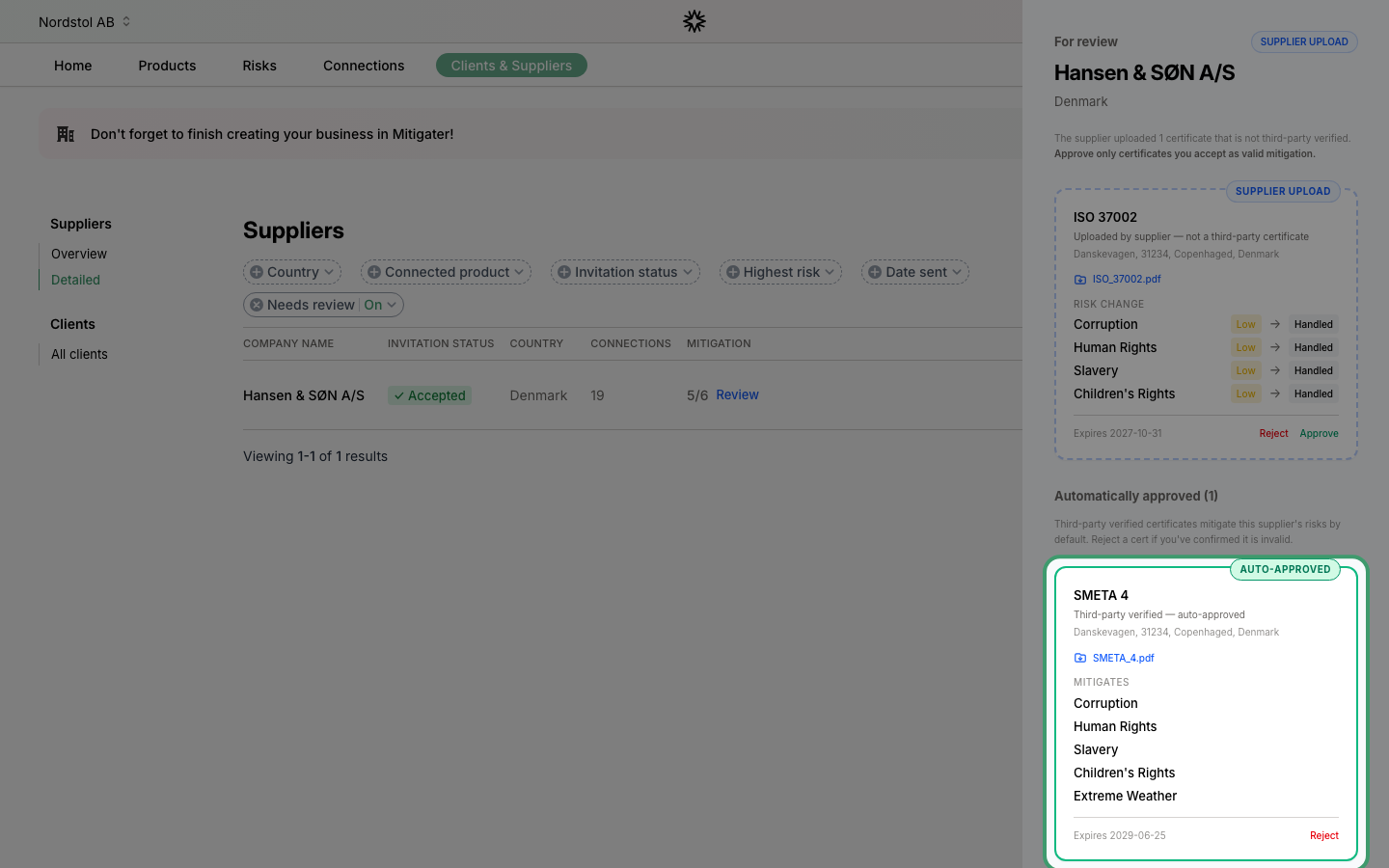
Reject an auto-approved certificate
If you find something wrong with an auto-approved certificate — it's fake, expired, or otherwise invalid — click Reject on its card. This overrides the automatic approval and the risks it covered go back to being unmitigated.
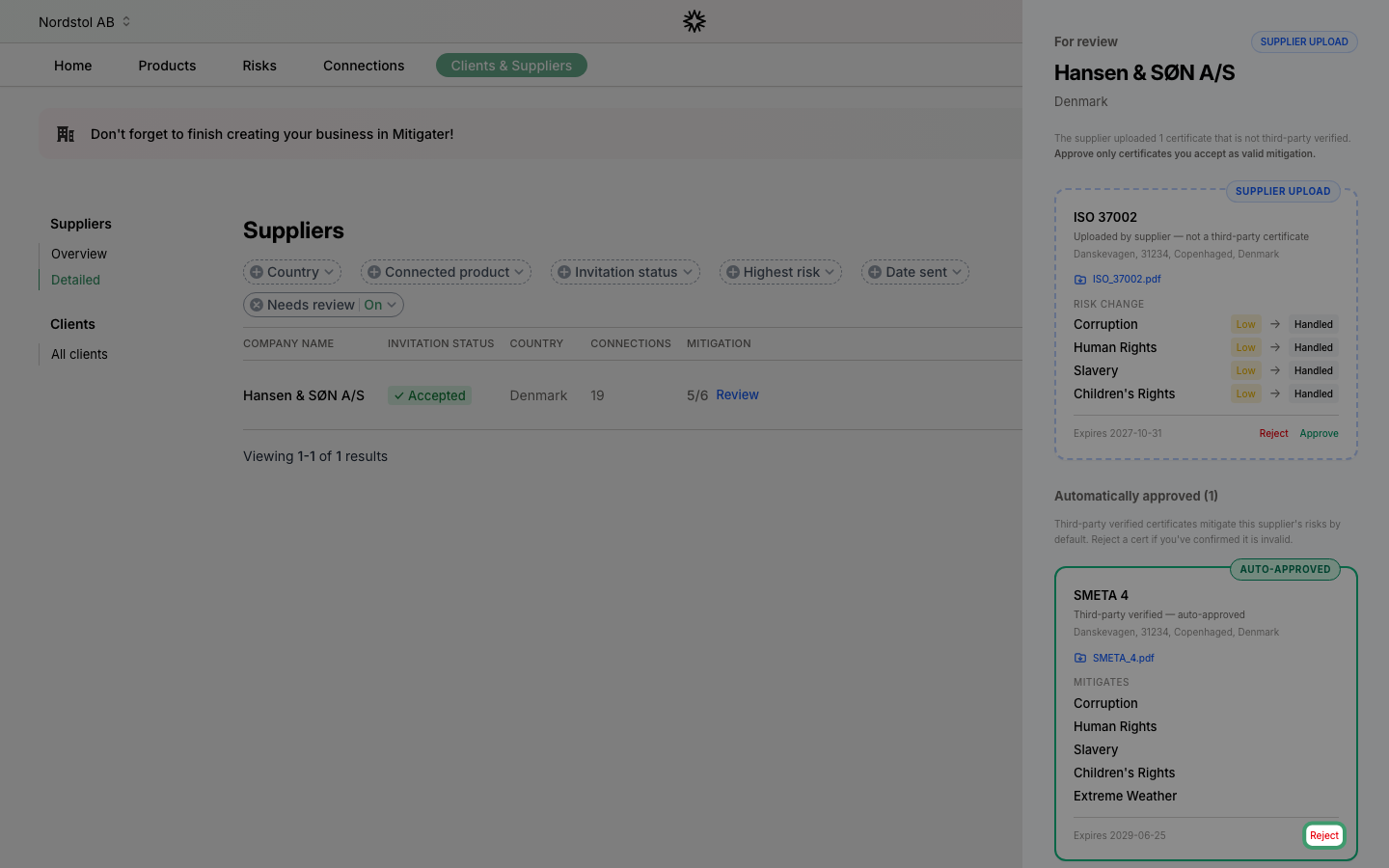 Next step: Learn how to archive connections that are no longer needed.