Grant access to your account for support
This guide shows you how to grant Mitigater's support team temporary access to your company profile so they can assist with data-related issues. You maintain full control and can revoke access at any time.
Navigate to your profile
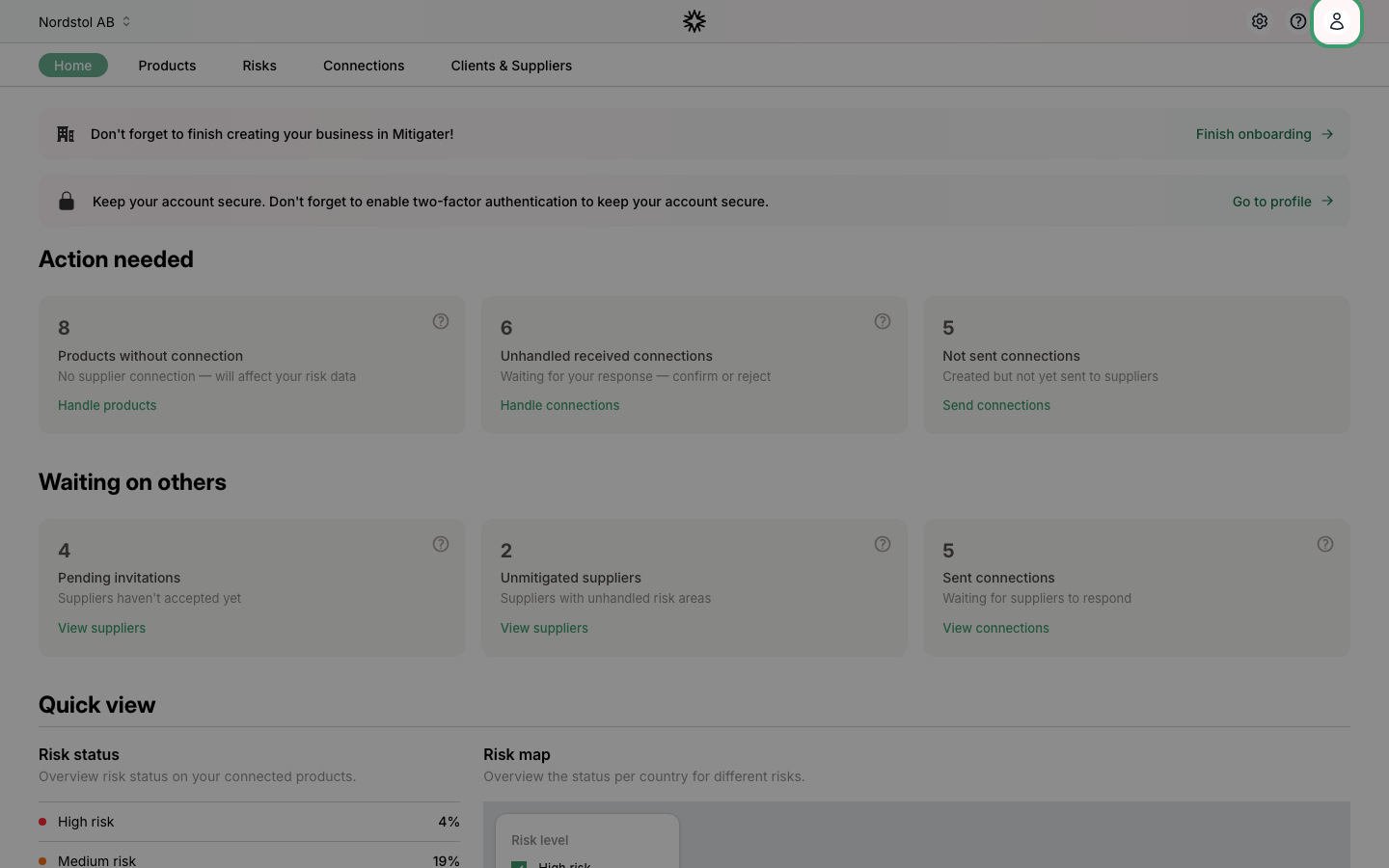
Click the user icon in the top-right corner of the navigation bar.
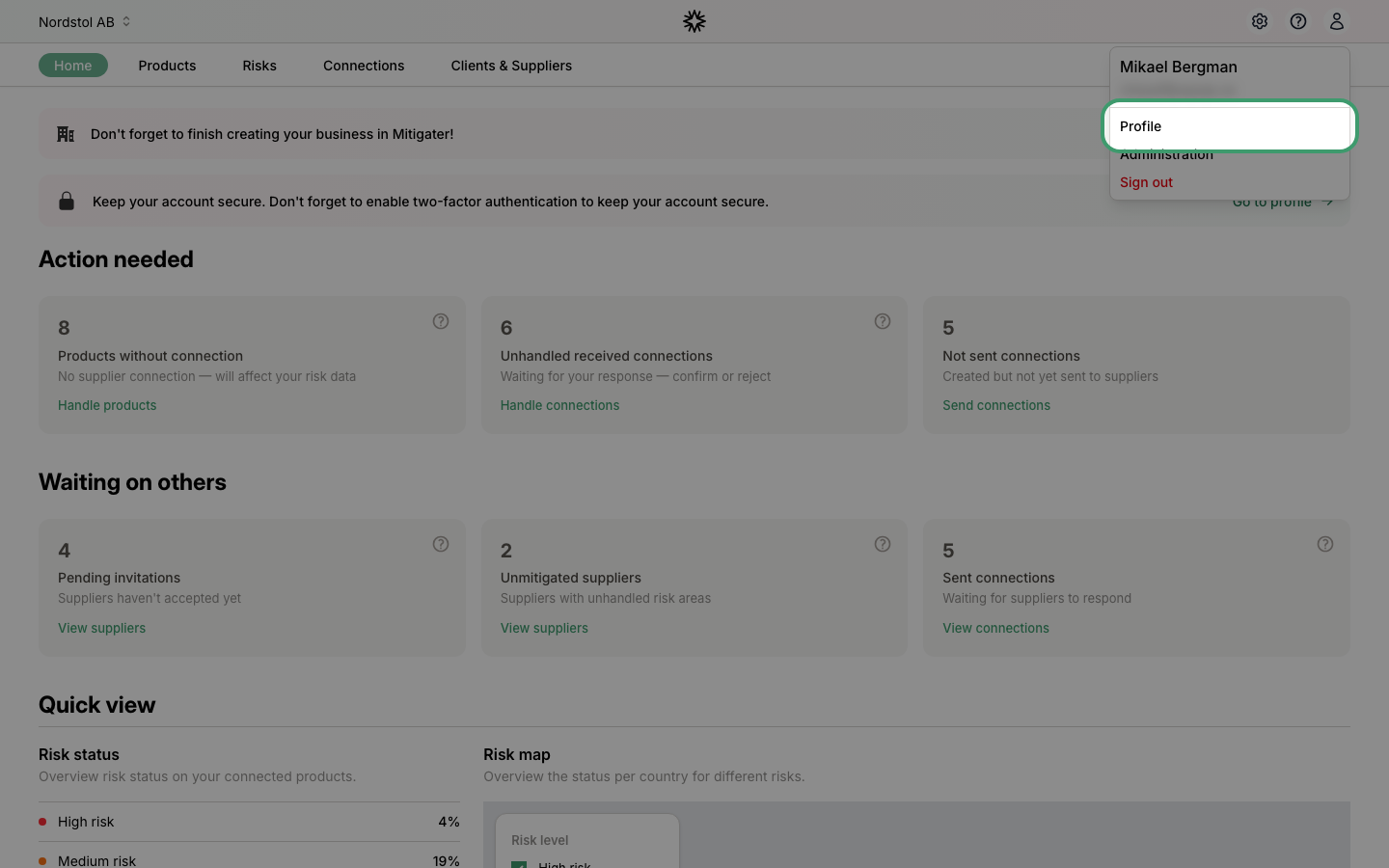
Click Profile
Select Profile from the dropdown menu.
Open your company
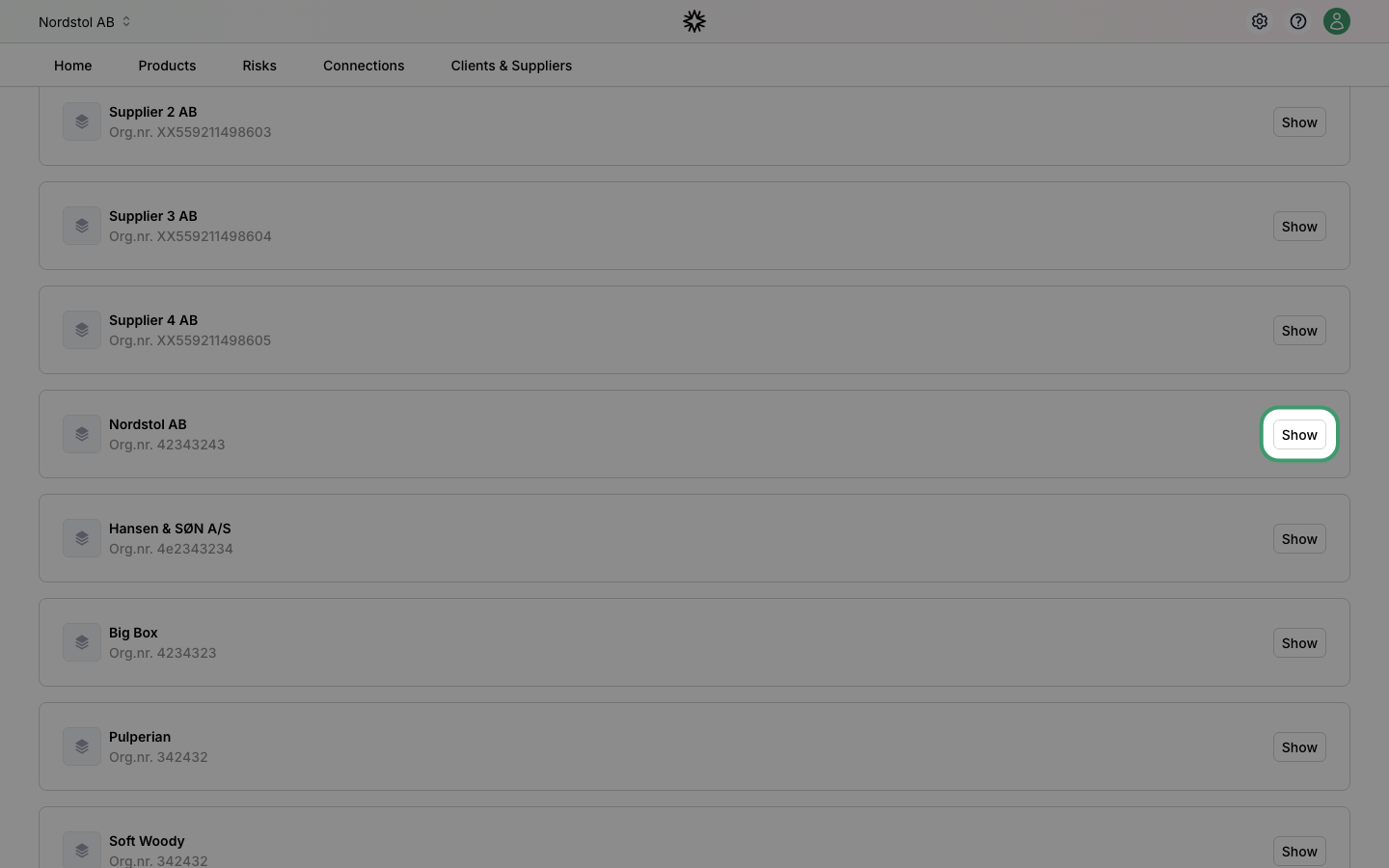
On the profile page, find the Companies section and click Show on the company you want to grant access for.
Grant access
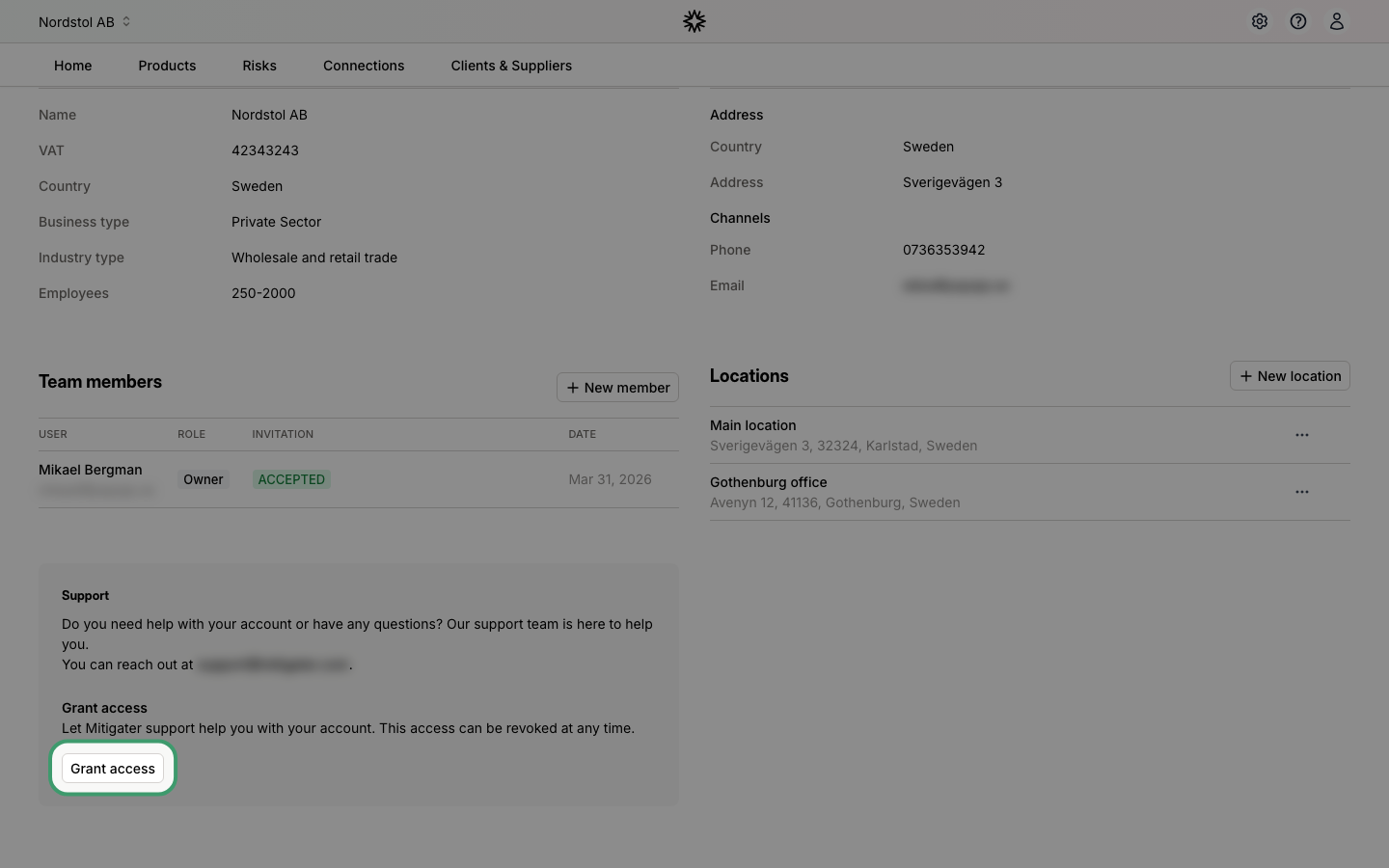
Scroll down to the Support section at the bottom of the page. Click Grant access to give the Mitigater support team access to your company.
Revoke access
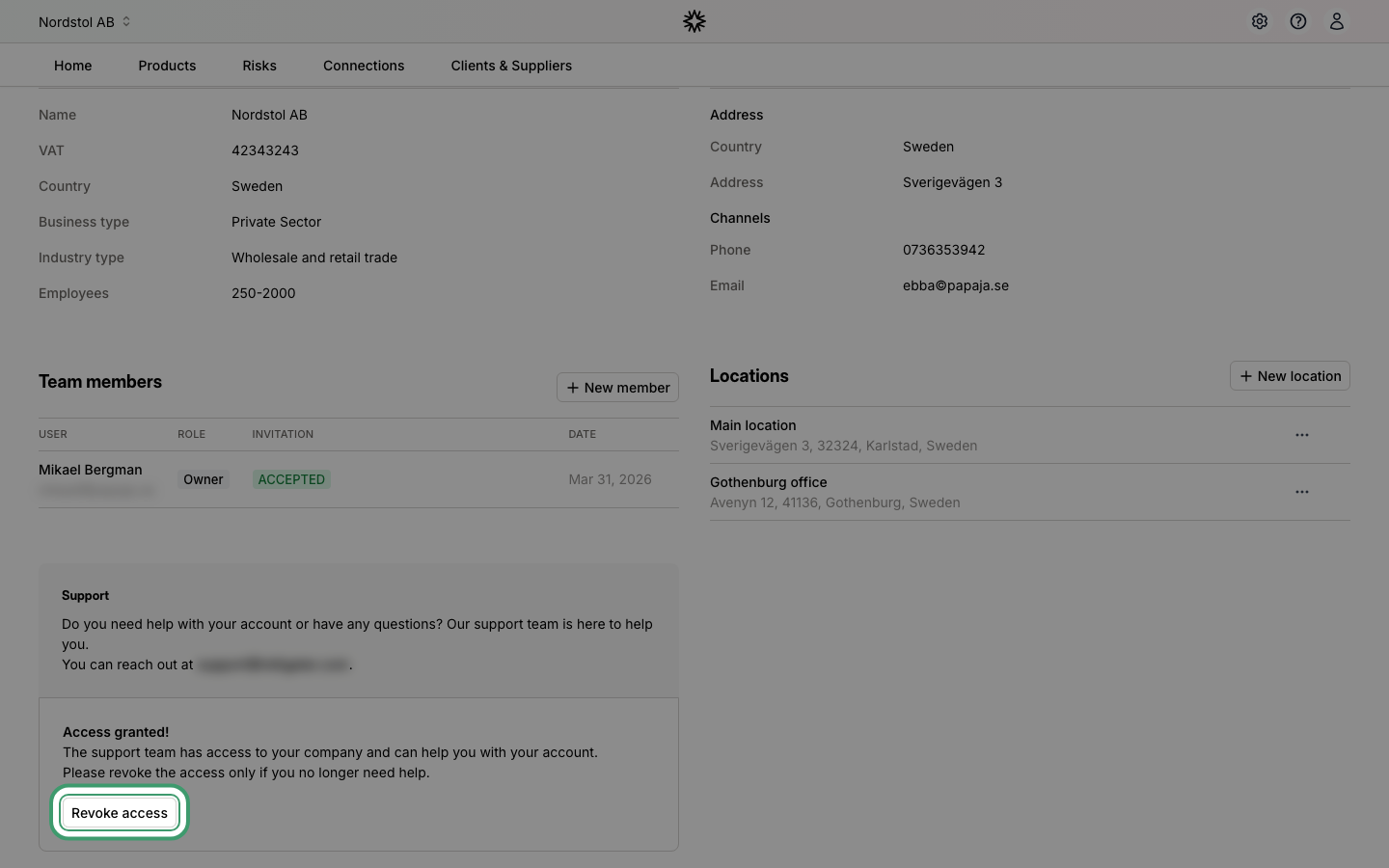
Once access is granted, you can revoke it at any time by clicking Revoke access. The support team will immediately lose access to your company.
 Next step: Learn how to handle your certificates.