Add another company to your account
This guide shows you how to add another company to your account in Mitigater. If you want to join an existing company, ask a user from that company to invite you instead.
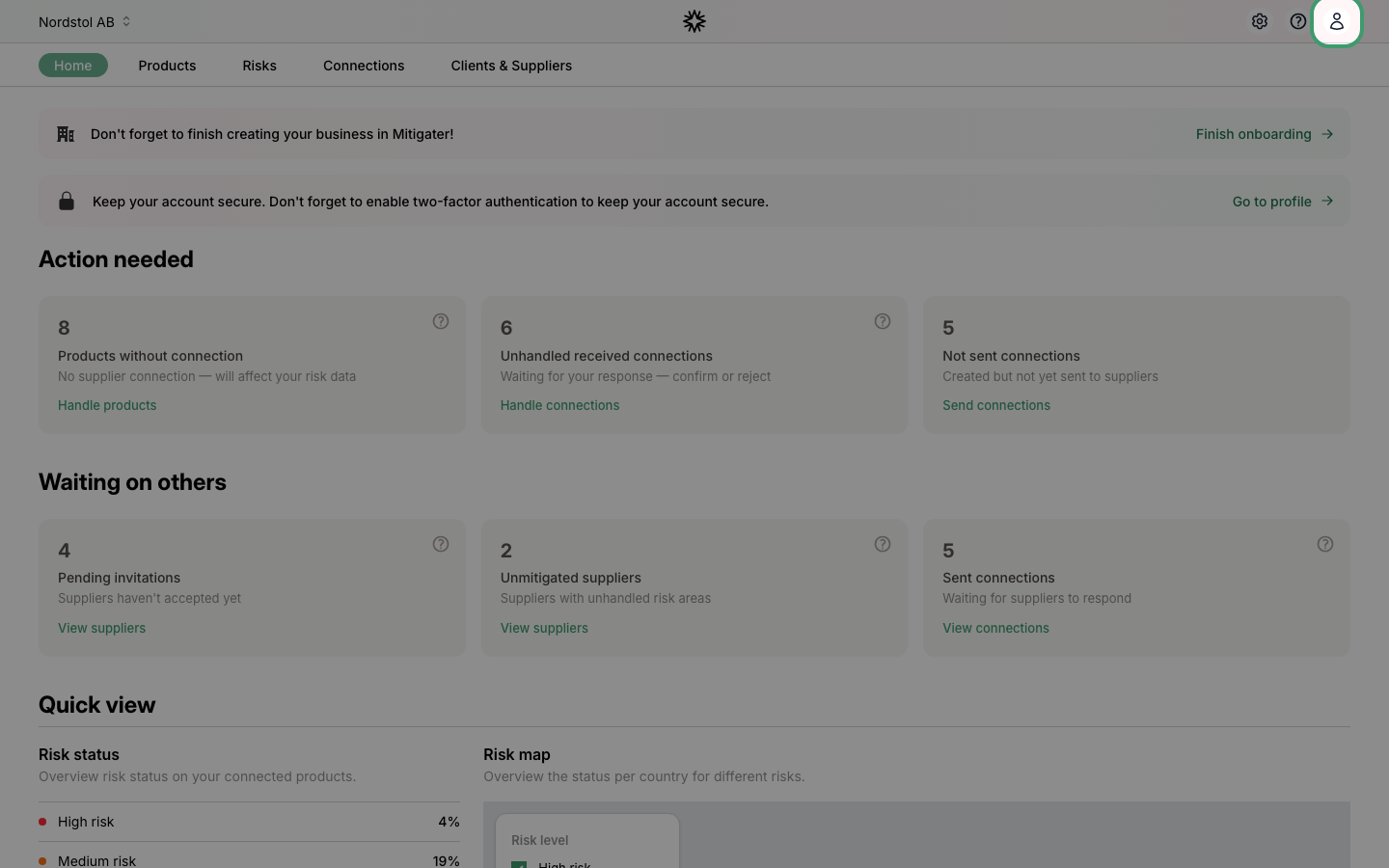
Navigate to your profile
Click the user icon in the top-right corner of the navigation bar.
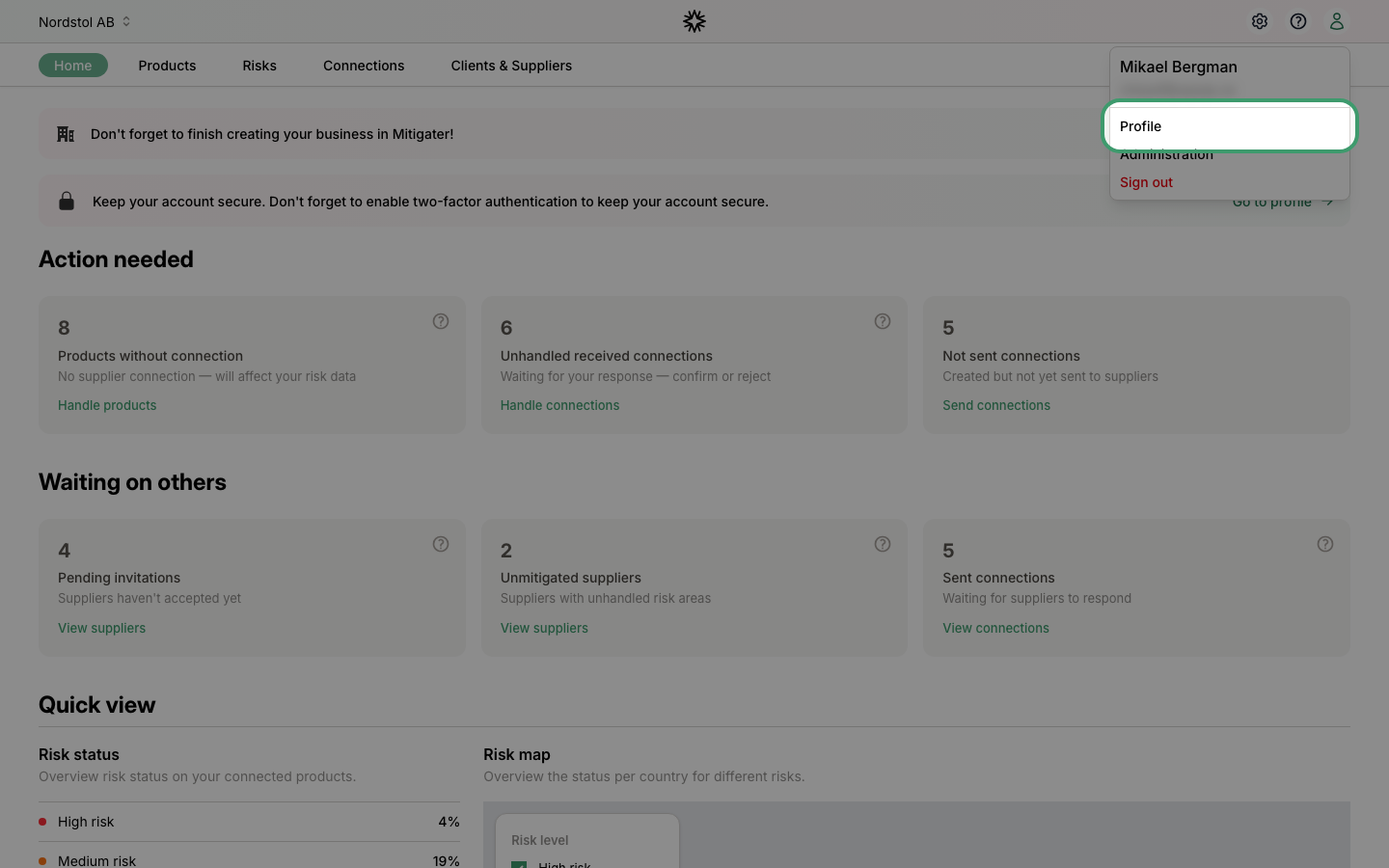
Click Profile
Select Profile from the dropdown menu.
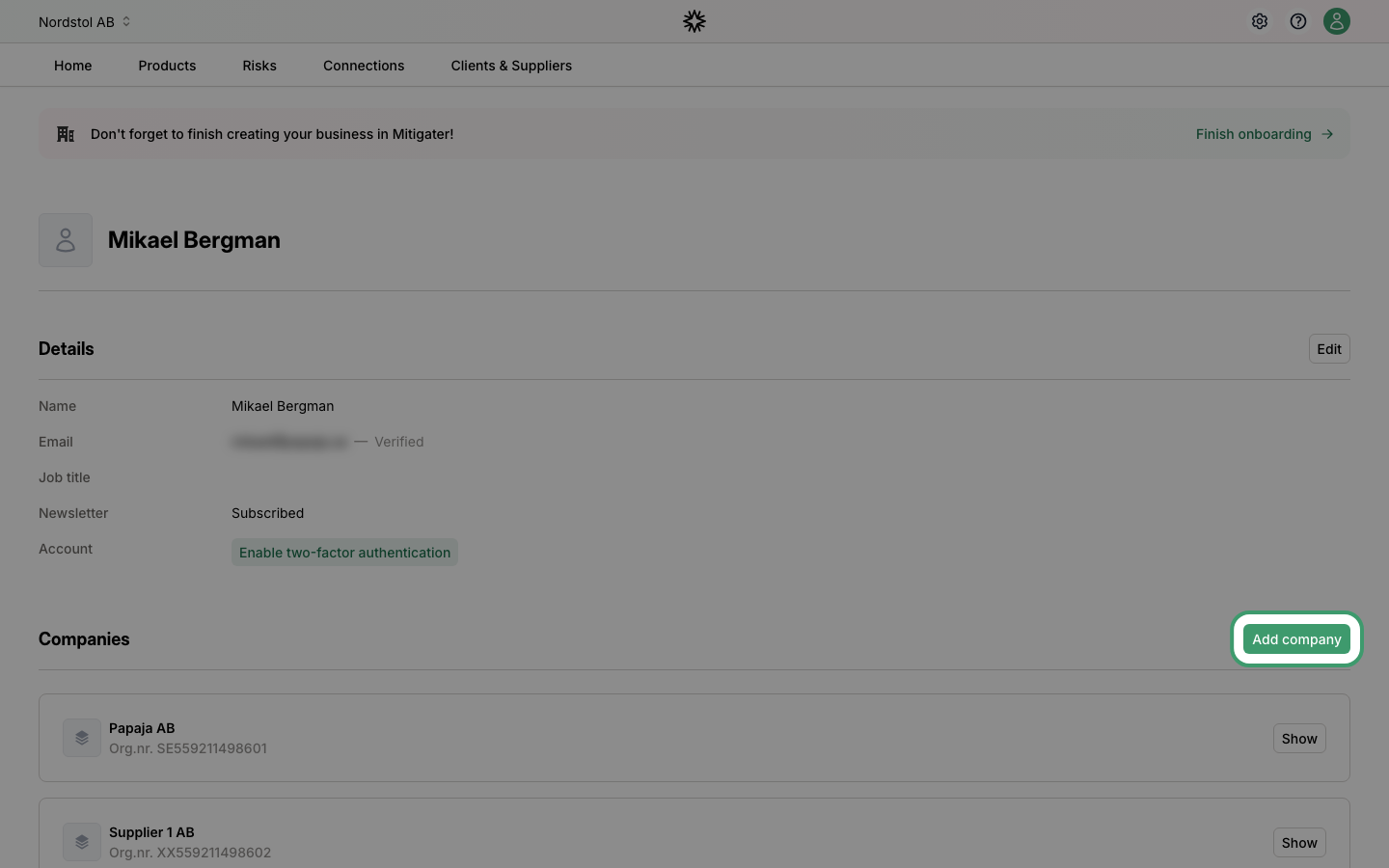
Click Add company
On the profile page, scroll down to the Companies section and click Add company.
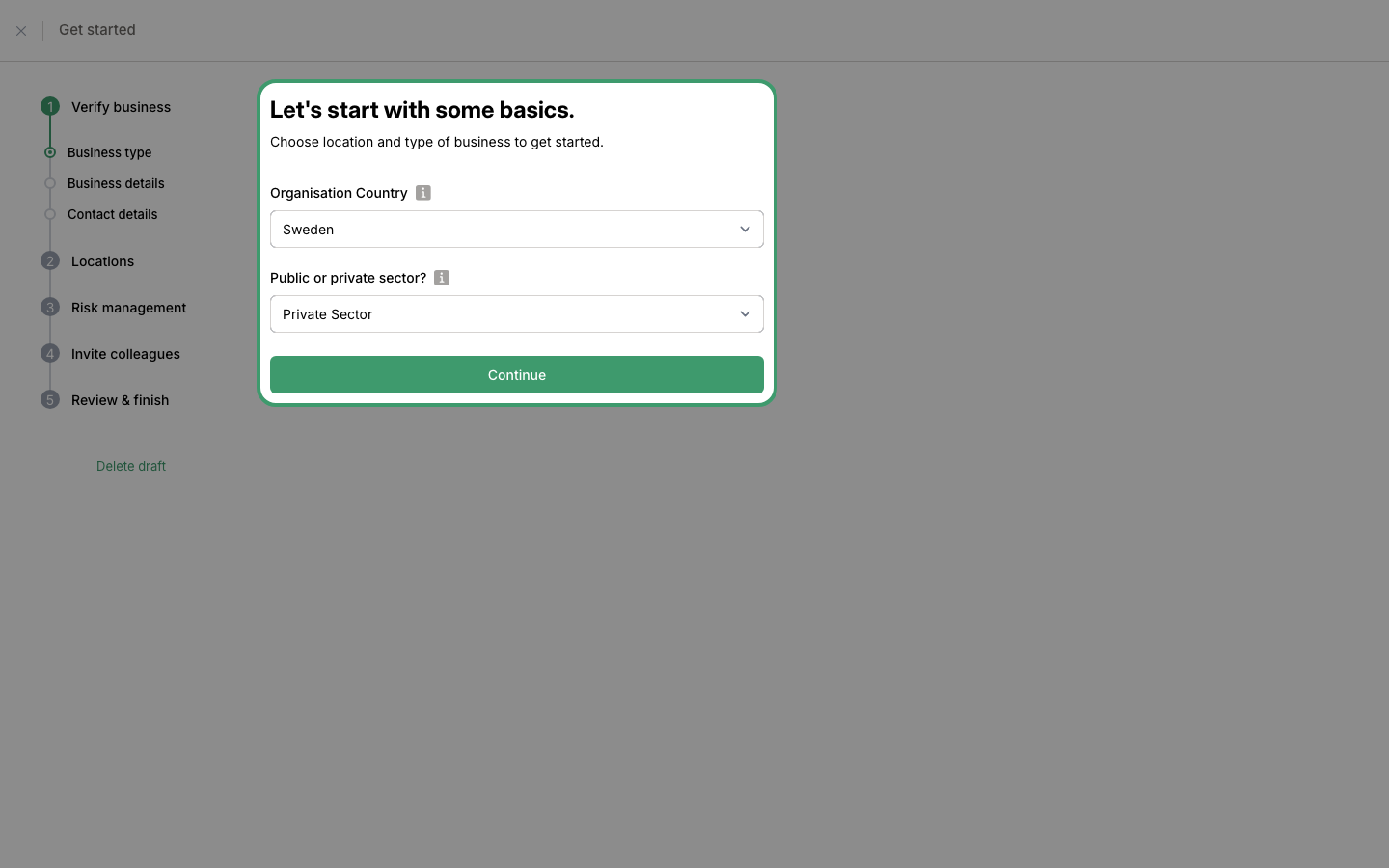
Select your business type
Choose the country where your company is headquartered and whether it belongs to the public or private sector. Click Continue to proceed.
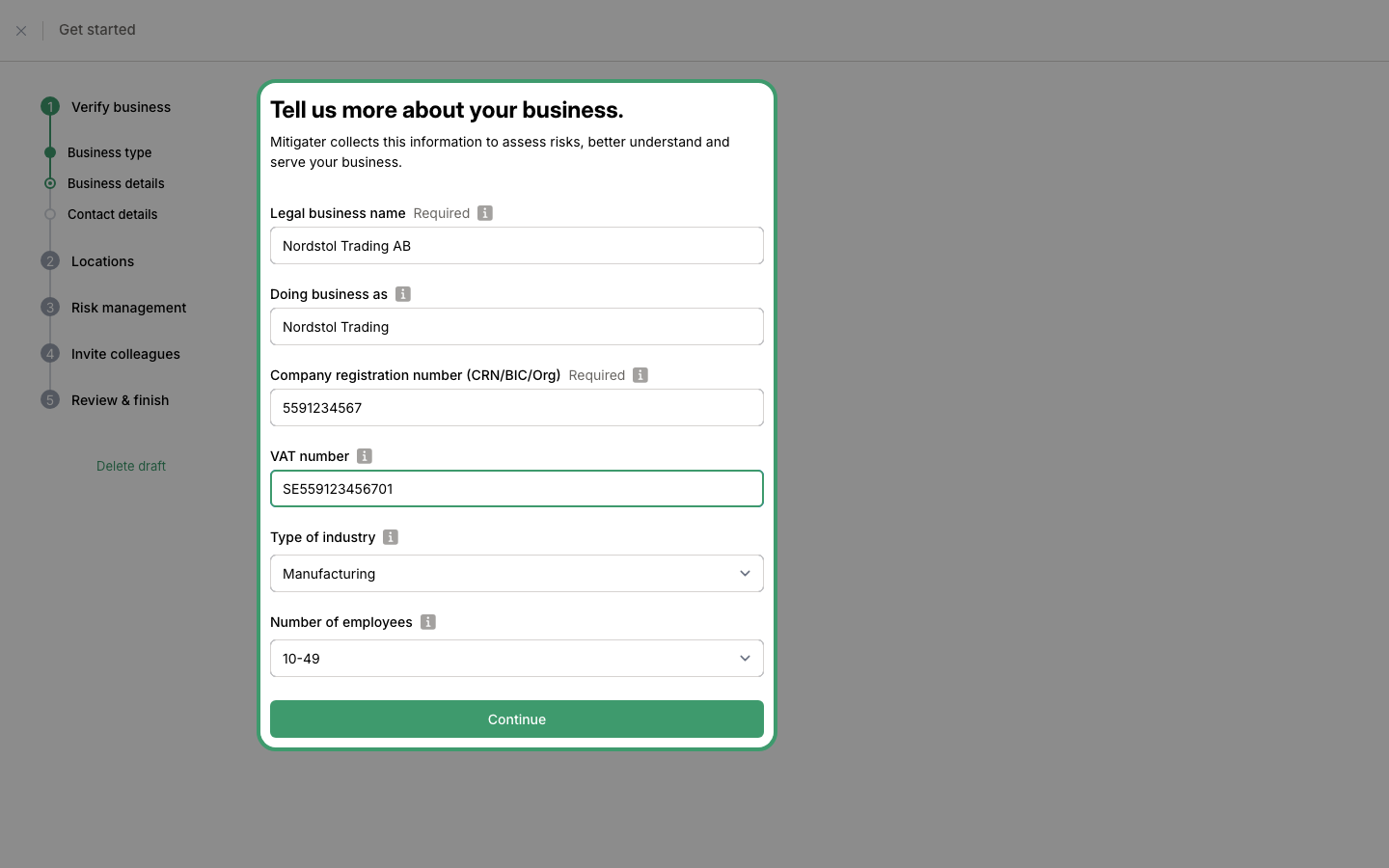
Enter your business details
Fill in your company's legal name, registration number, VAT number, industry type, and number of employees. Click Continue when done.
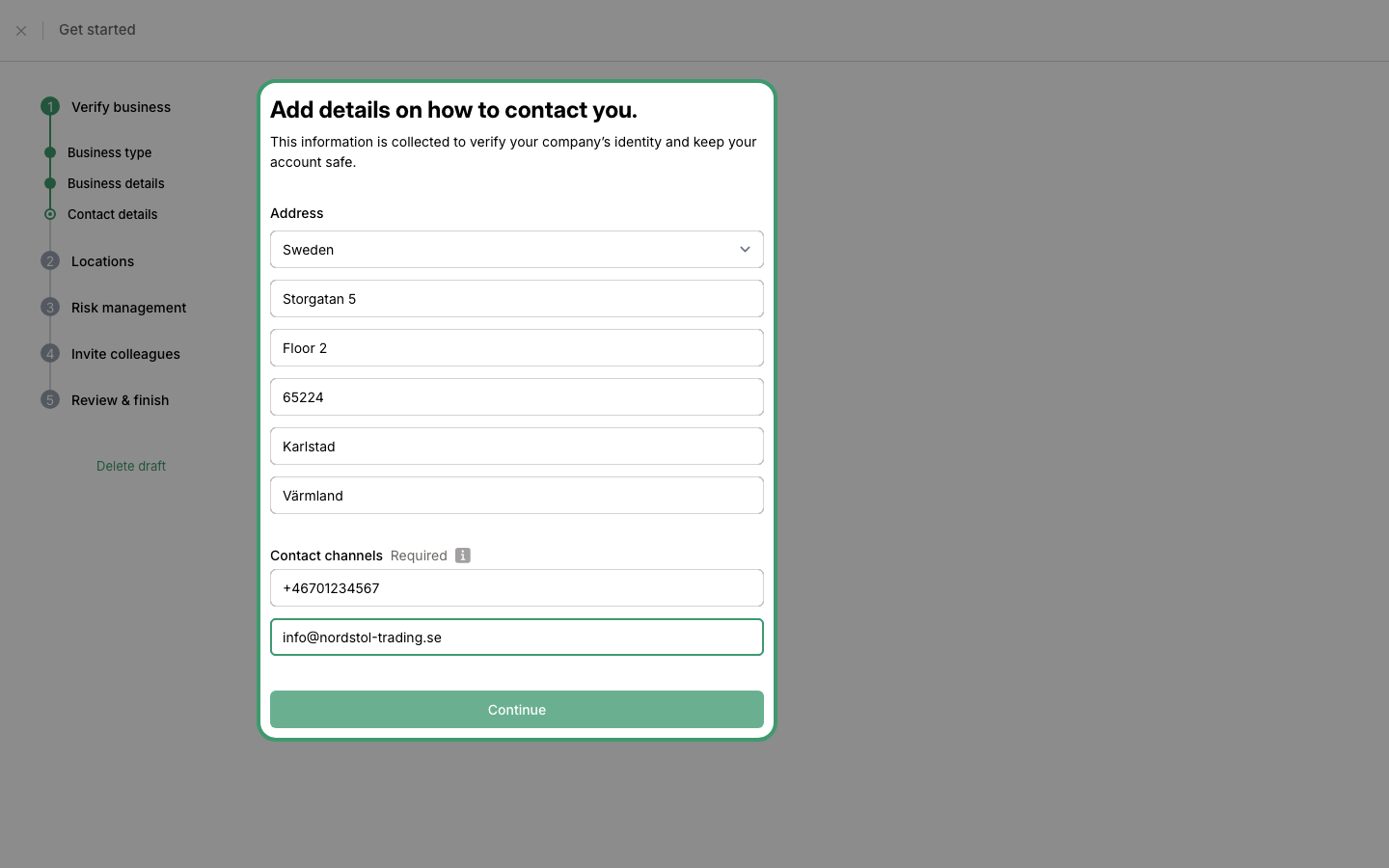
Enter your contact details
Fill in the company address, phone number, and email. Click Continue to proceed to the next steps where you can add locations, risk management settings, and invite colleagues.
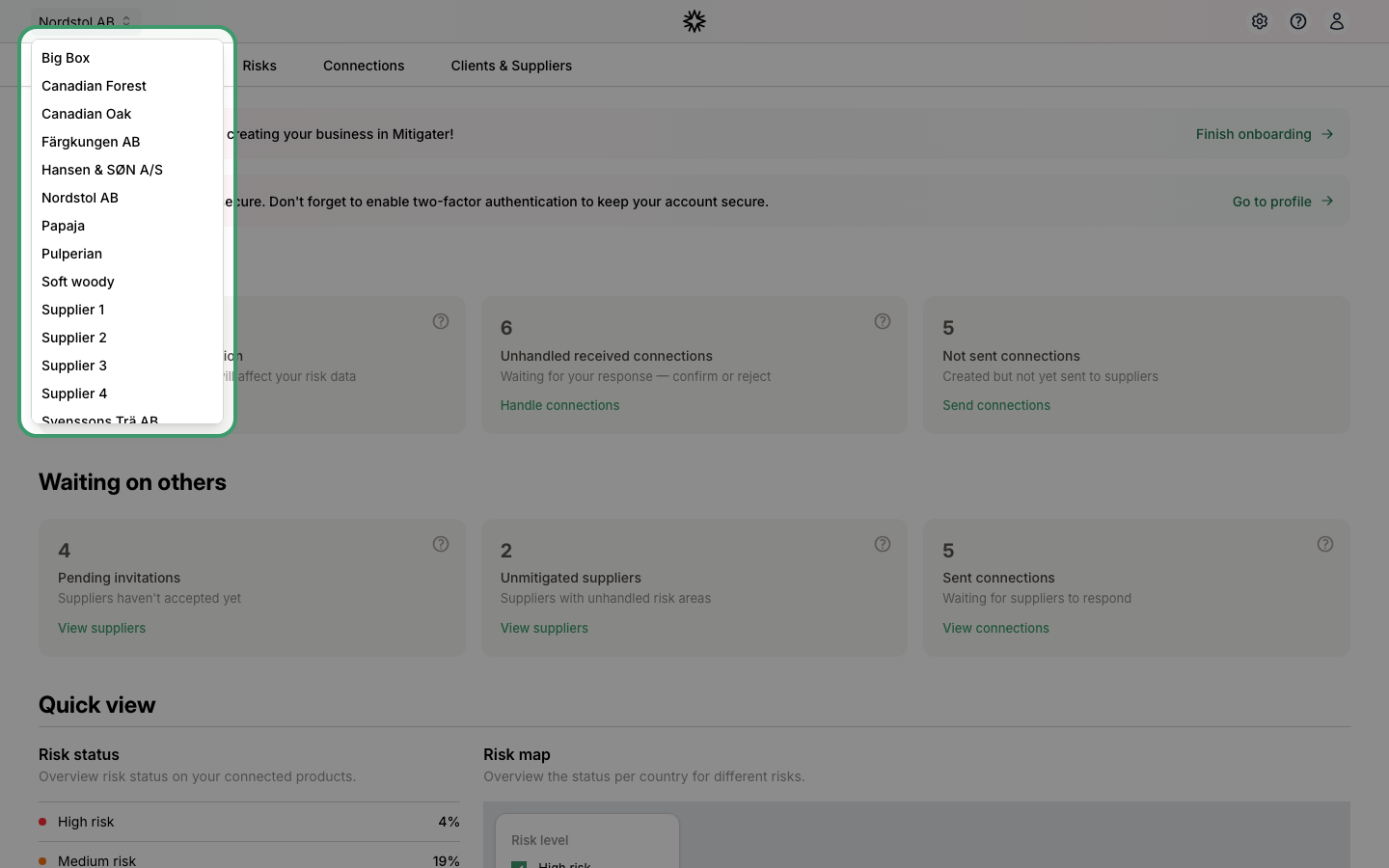
Switch between companies
After completing the setup, you can switch between your companies at any time by clicking the company name in the top-left corner of the navigation bar.
 Next step: Learn how to add a new location to your company.