Add a new location to your company
This guide shows you how to add a new location to your company in Mitigater. Locations help you organize your products and certificates by office or site.
Navigate to your profile
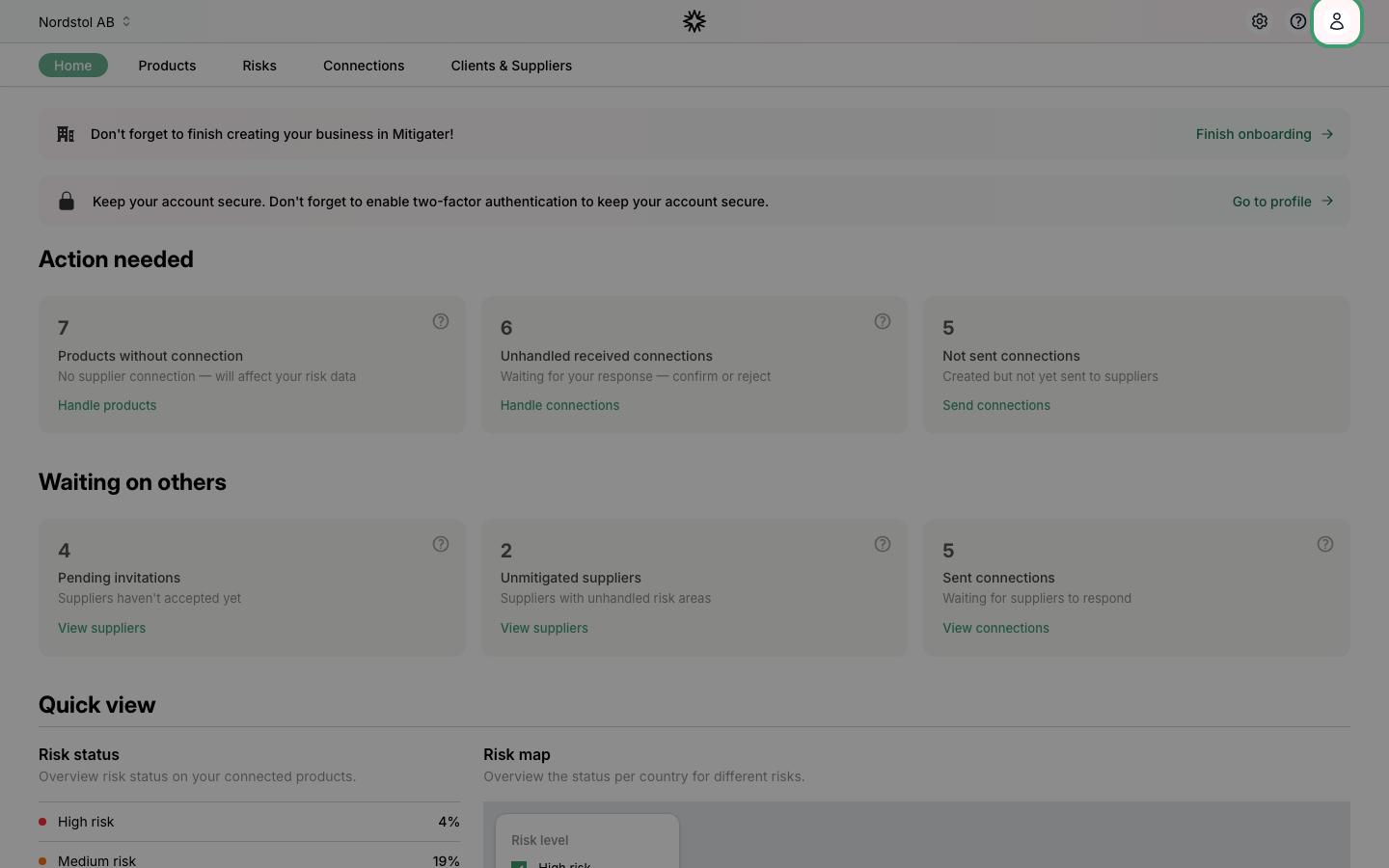
Click the user icon in the top-right corner of the navigation bar.
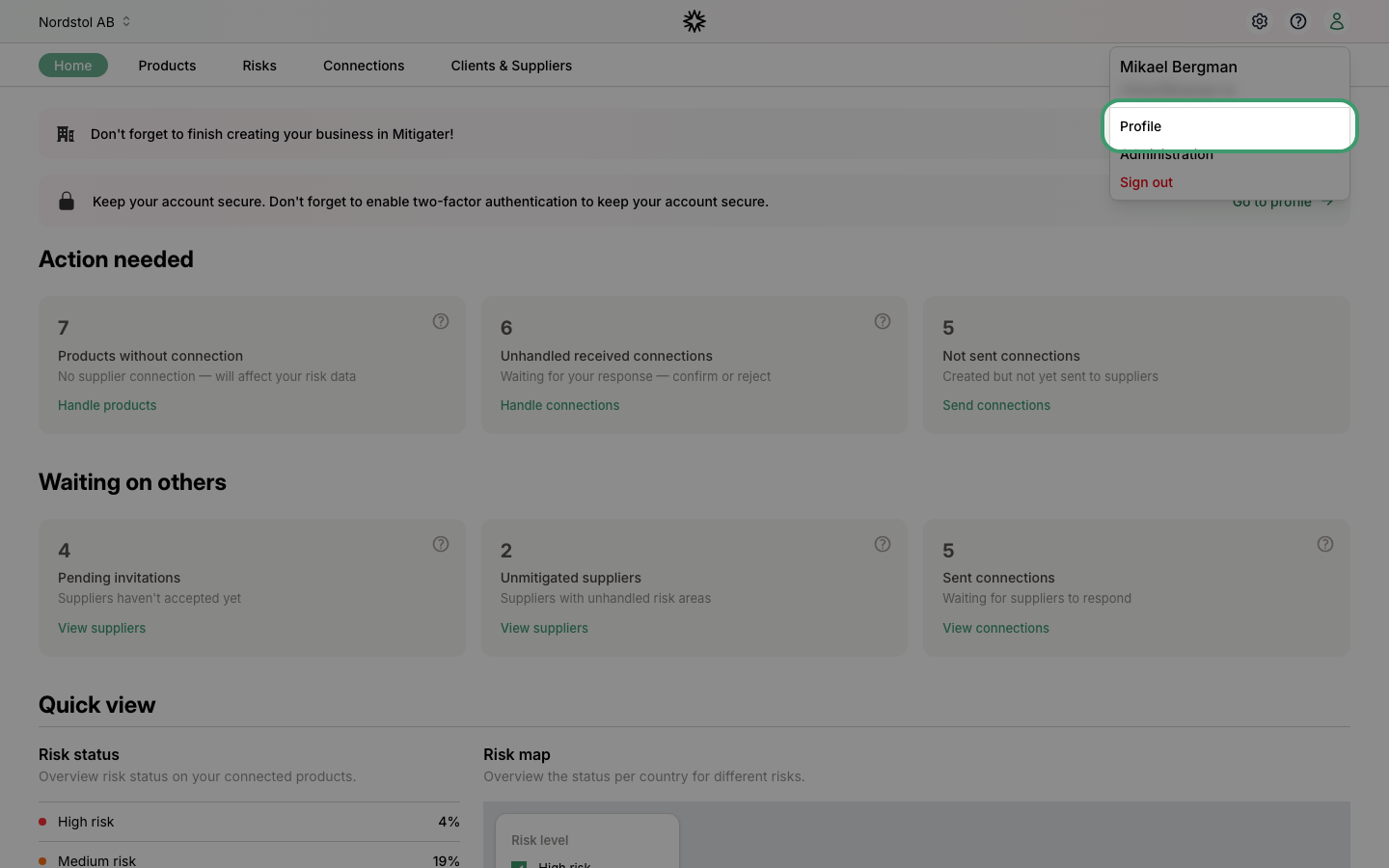
Click Profile
Select Profile from the dropdown menu.
Open your company
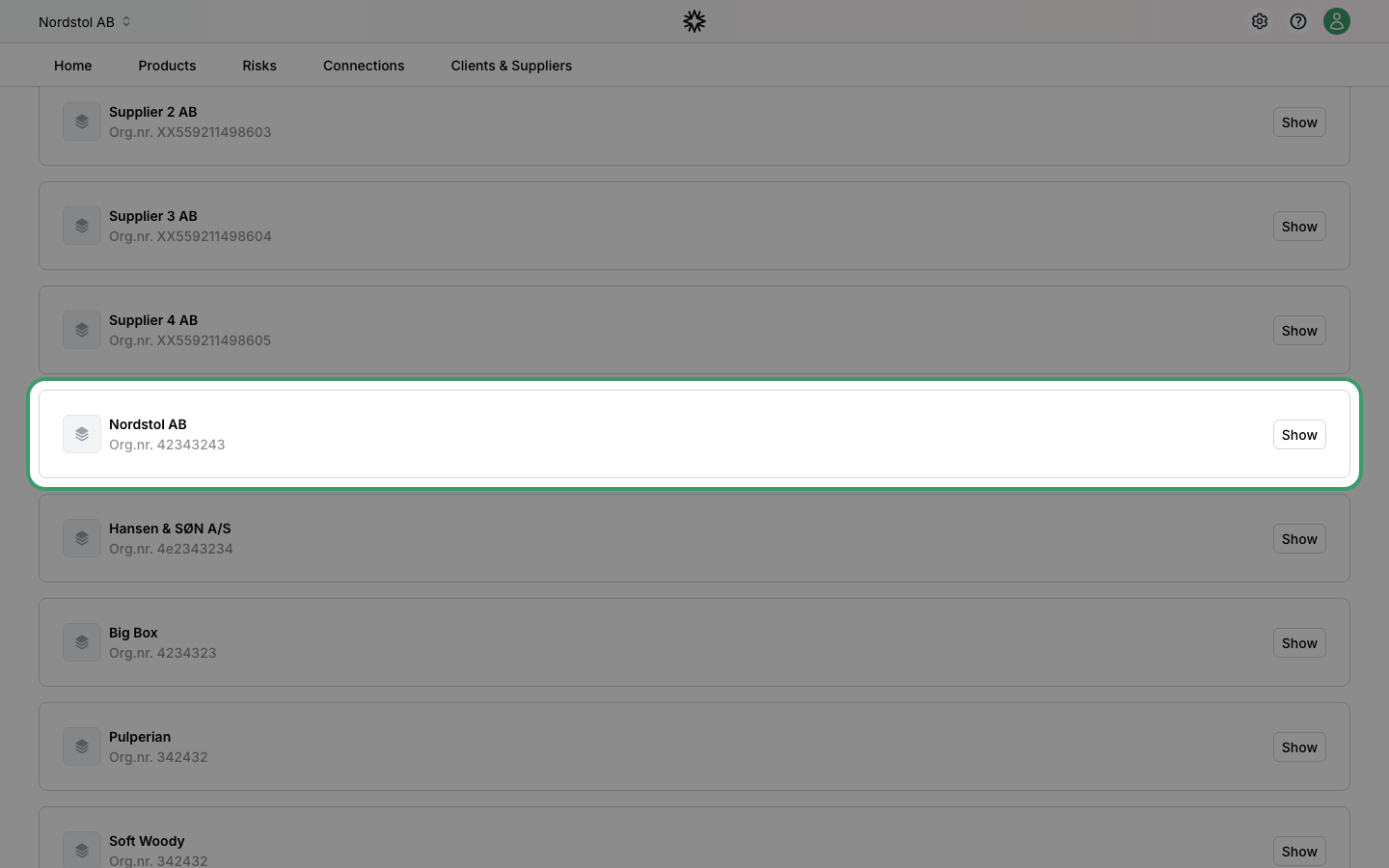
On the profile page, find the Companies section and click Show on the company you want to add a location to.
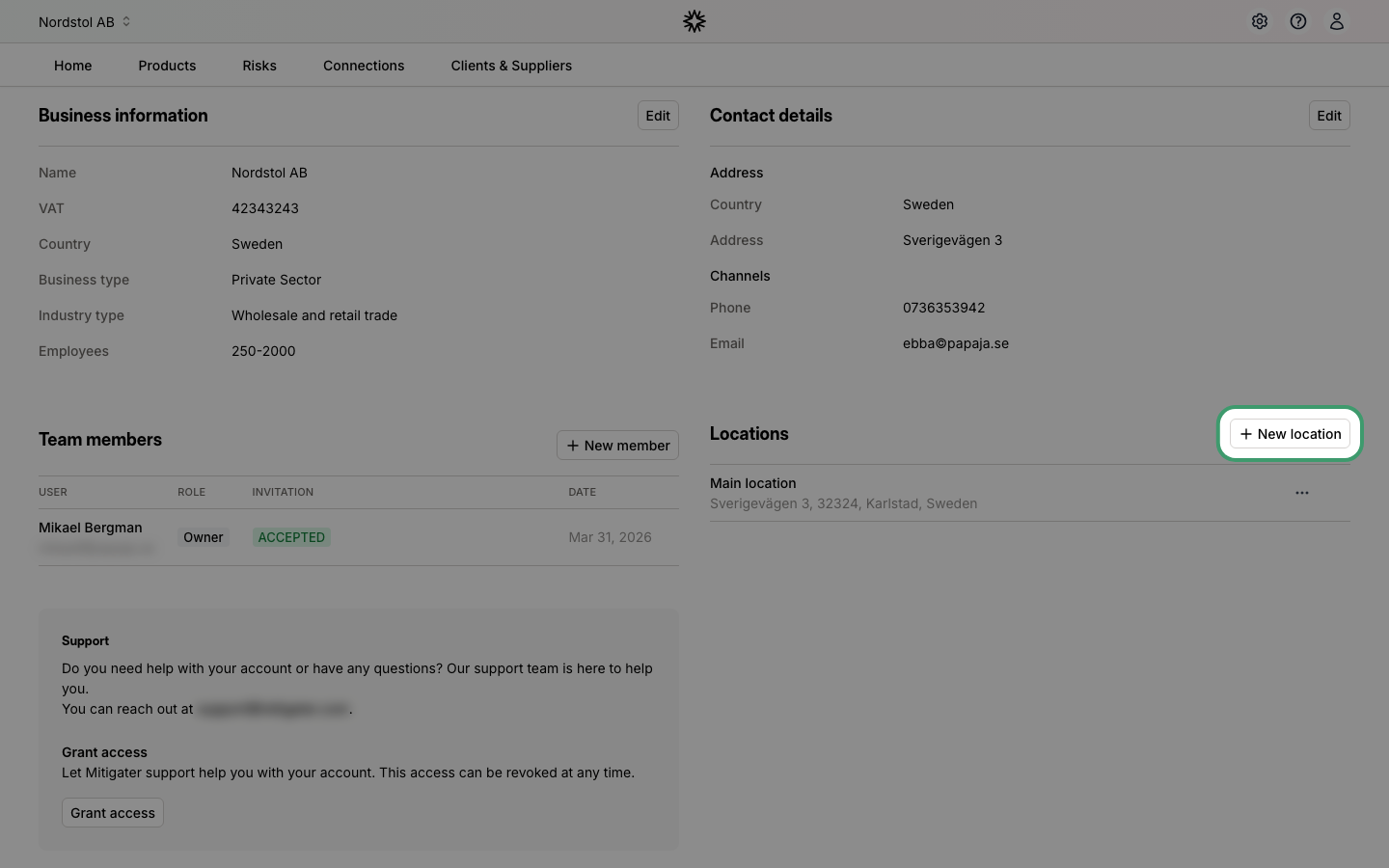
Click New location
On the company detail page, scroll down to the Locations section and click New location.
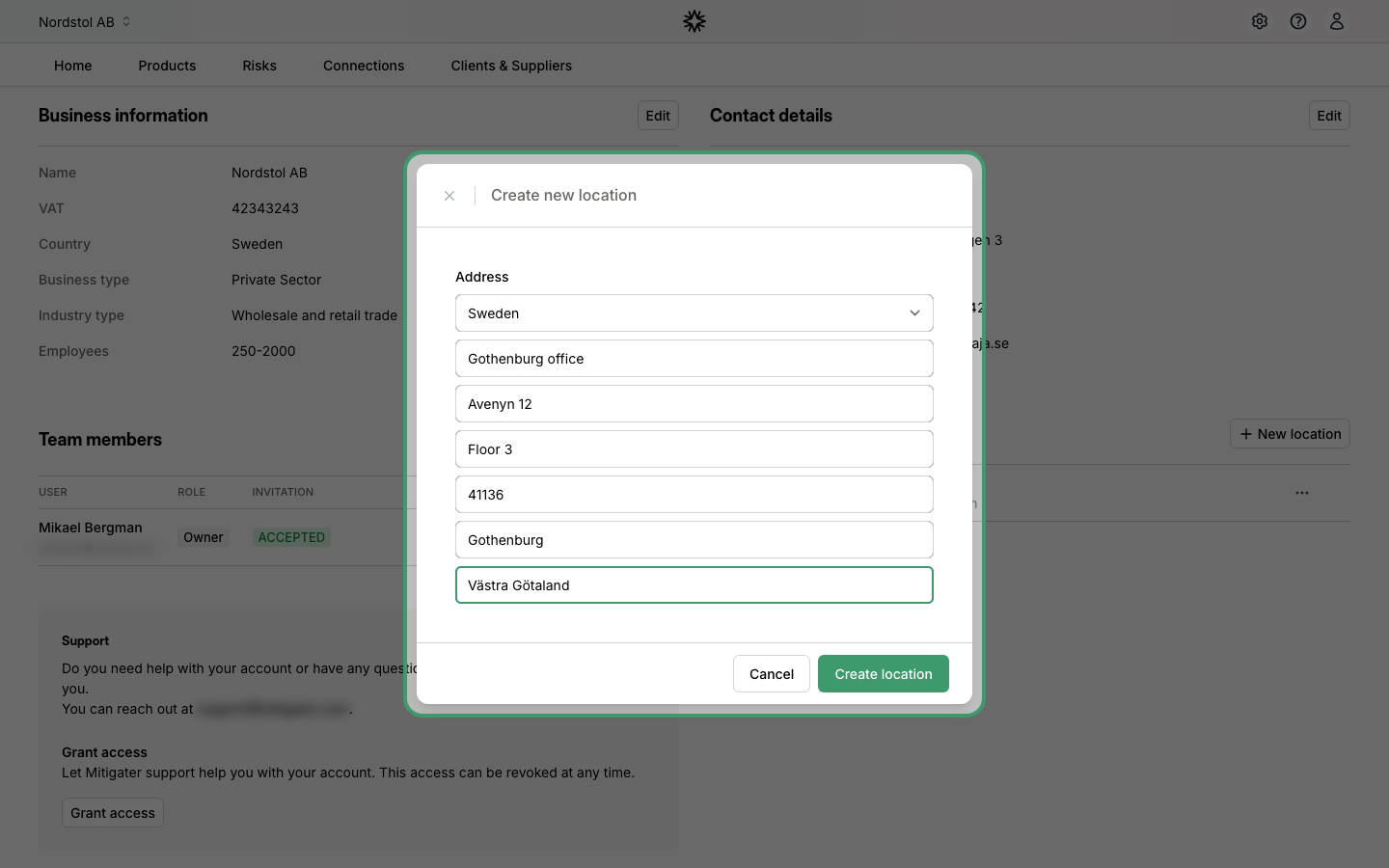
Fill in the location details
Fill in the form with the location's country, name, address, postal code, and city. When you are done, click Create location.
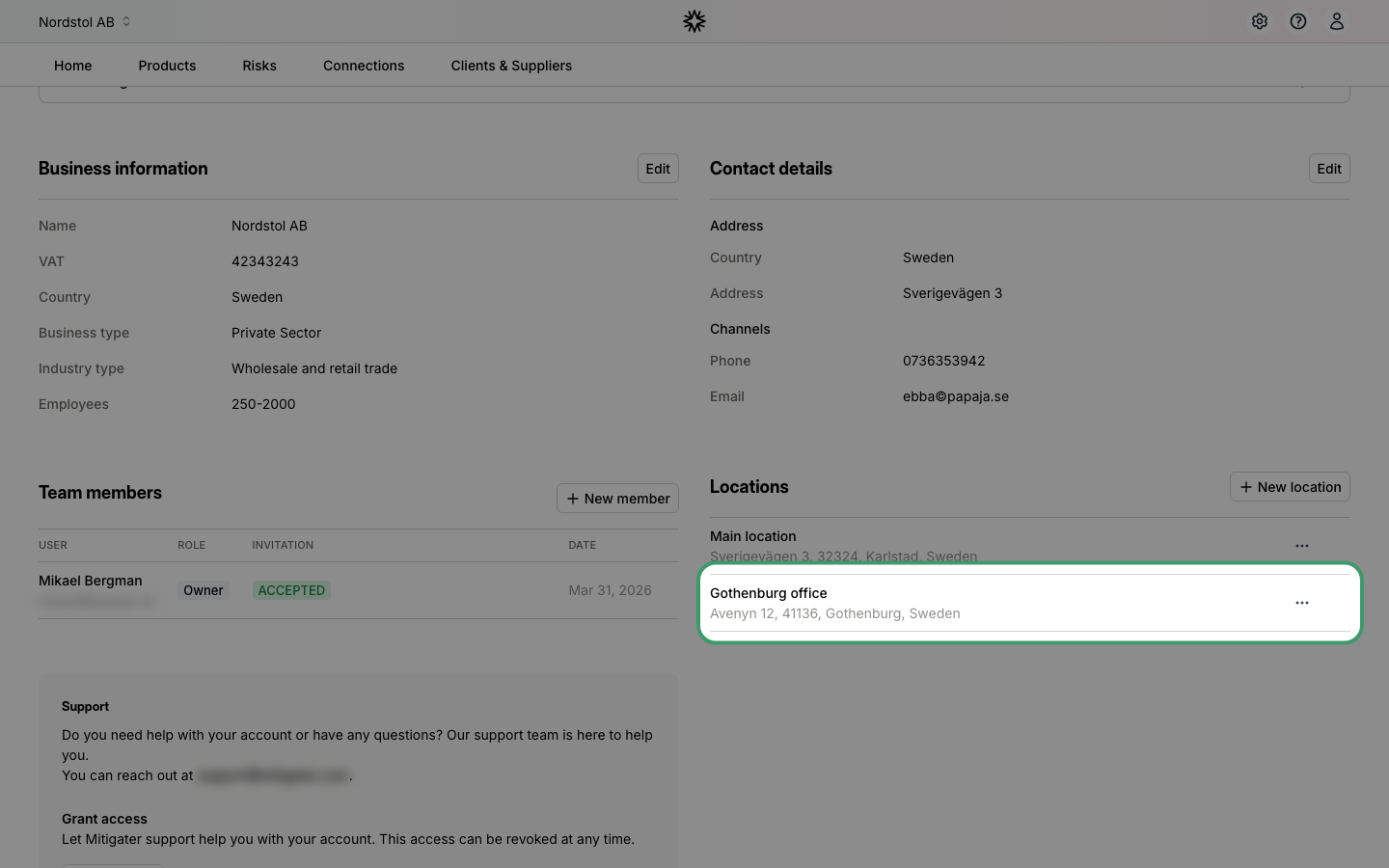
Location created
Your new location now appears in the locations list. You can edit or remove it at any time using the actions menu next to each location.
 Next step: Start adding products to your company.