Add a product manually
The quickest way to add a new product is to do it manually. This is a good option when you only need to add one or a few products at a time.
Want to add a lot of data at once? Learn how to import data with Excel.
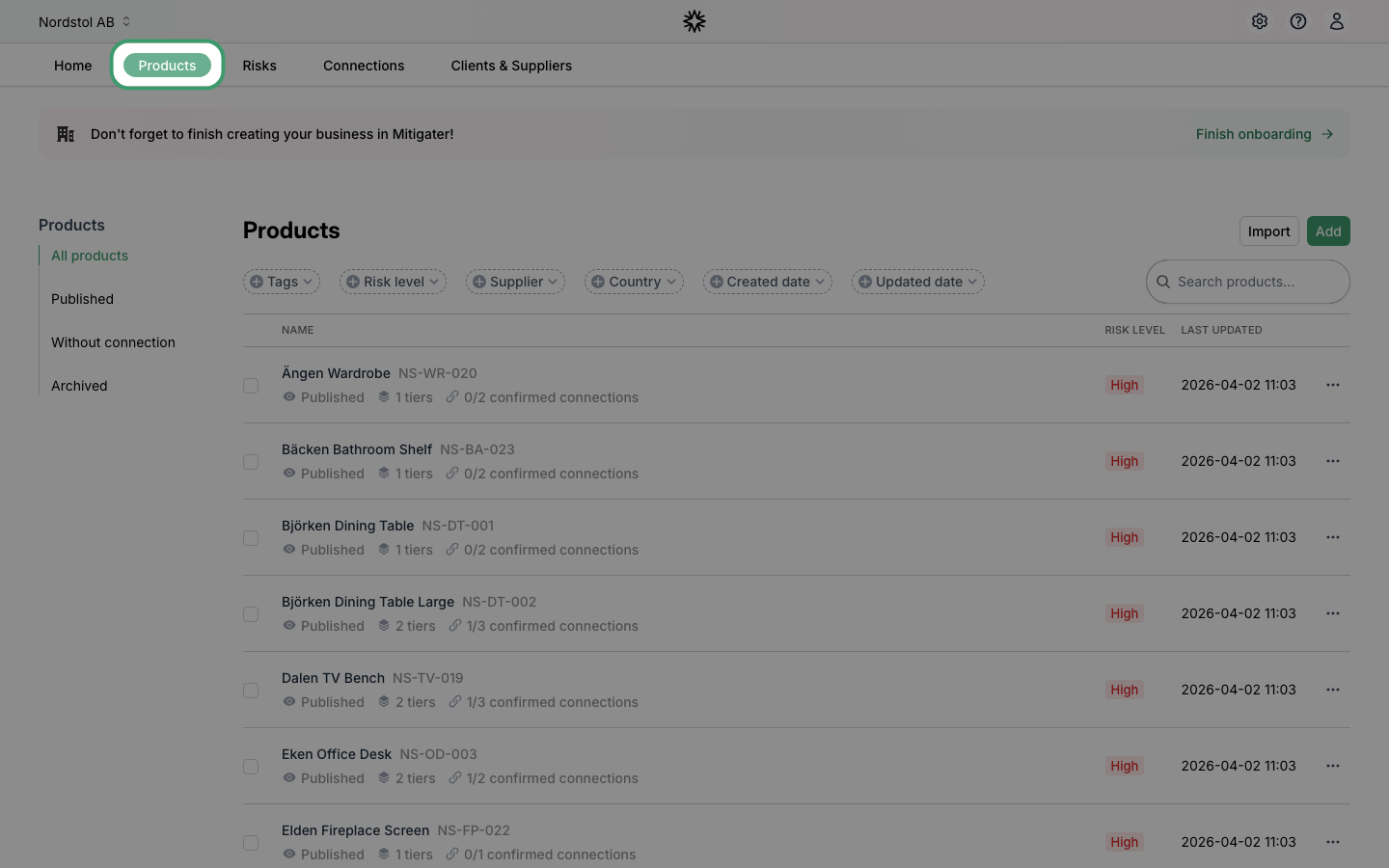
Navigate to Products
Click Products in the navigation bar to go to your product list.
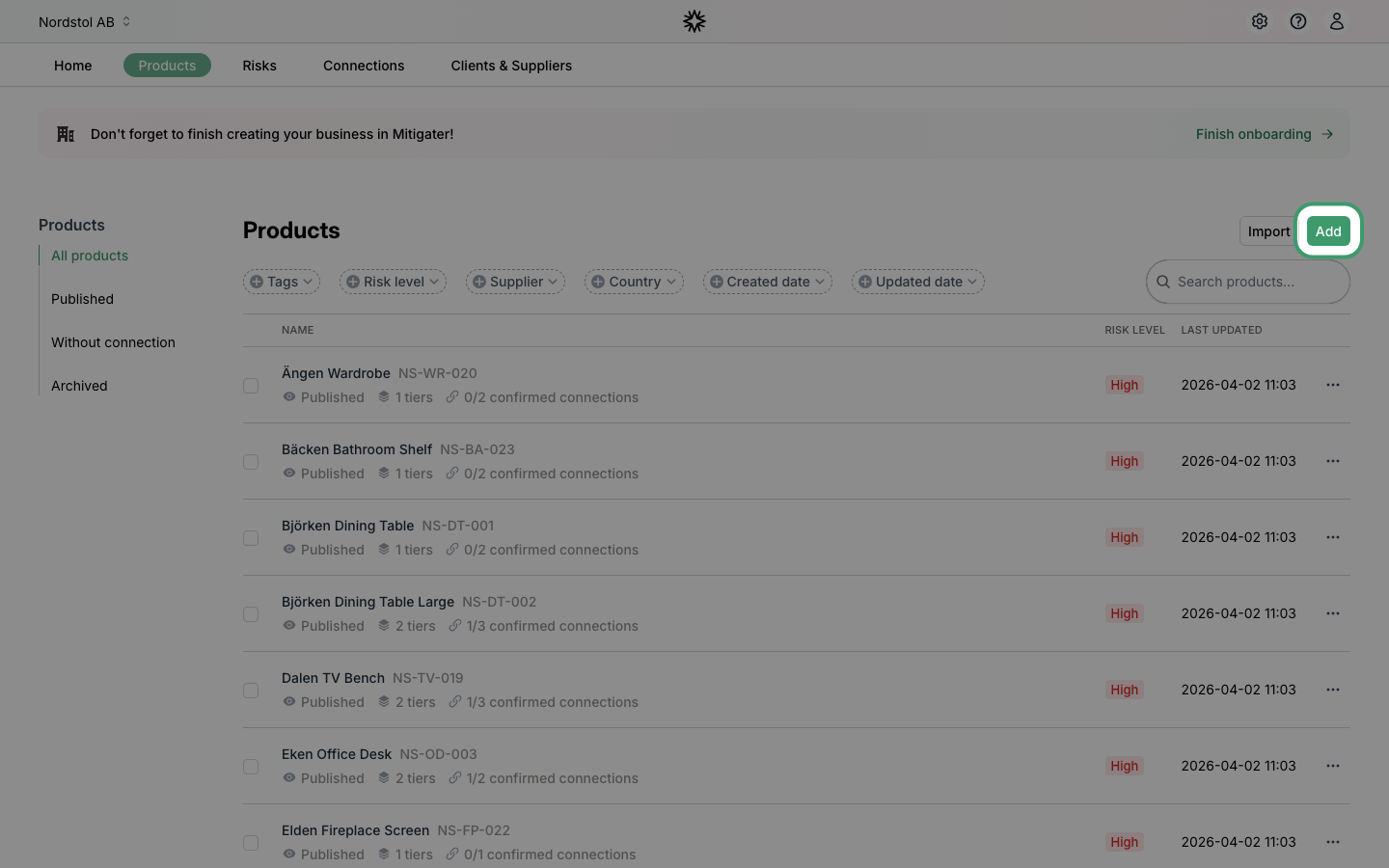
Click Add
Click the Add button in the top-right corner of the Products page to start creating a new product.
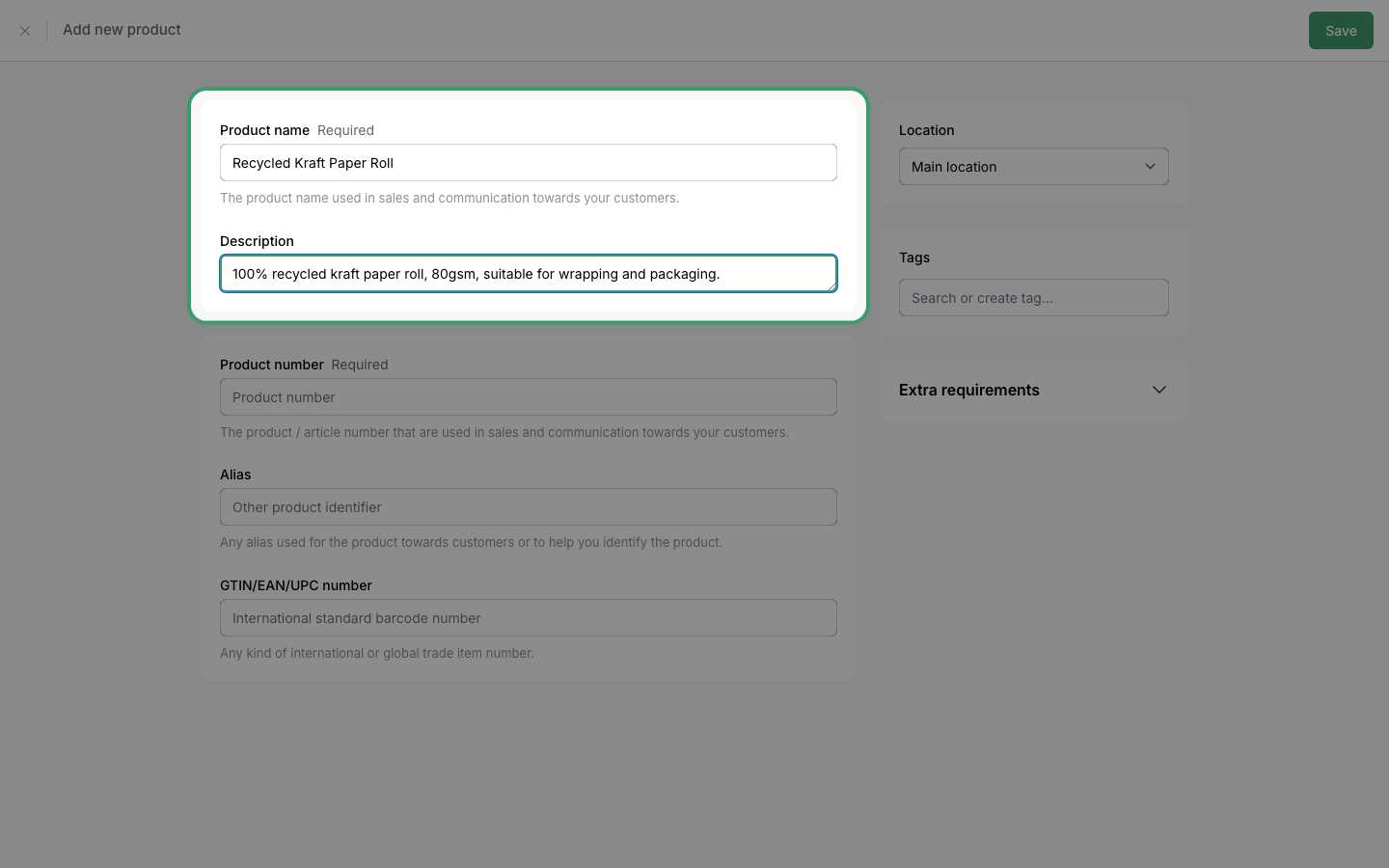
Enter the product name
Give your product a name. This is the name used in sales and communication towards your customers. You can also add an optional description of up to 255 characters.
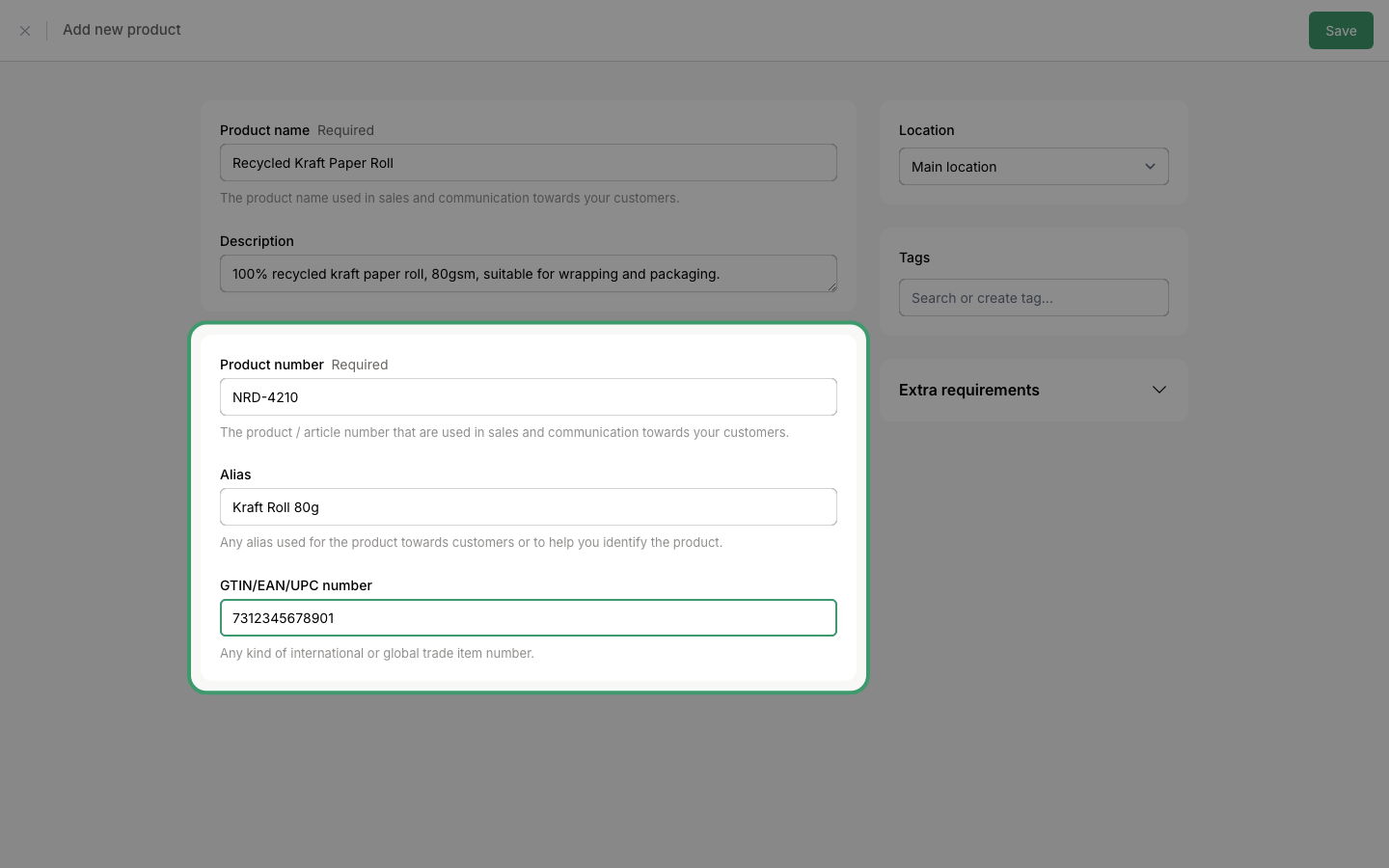
Enter the product number
Fill in your product number - this is required and must be unique within your company. You can also add an optional alias (another name for the product) and a GTIN/EAN/UPC number (international barcode number).
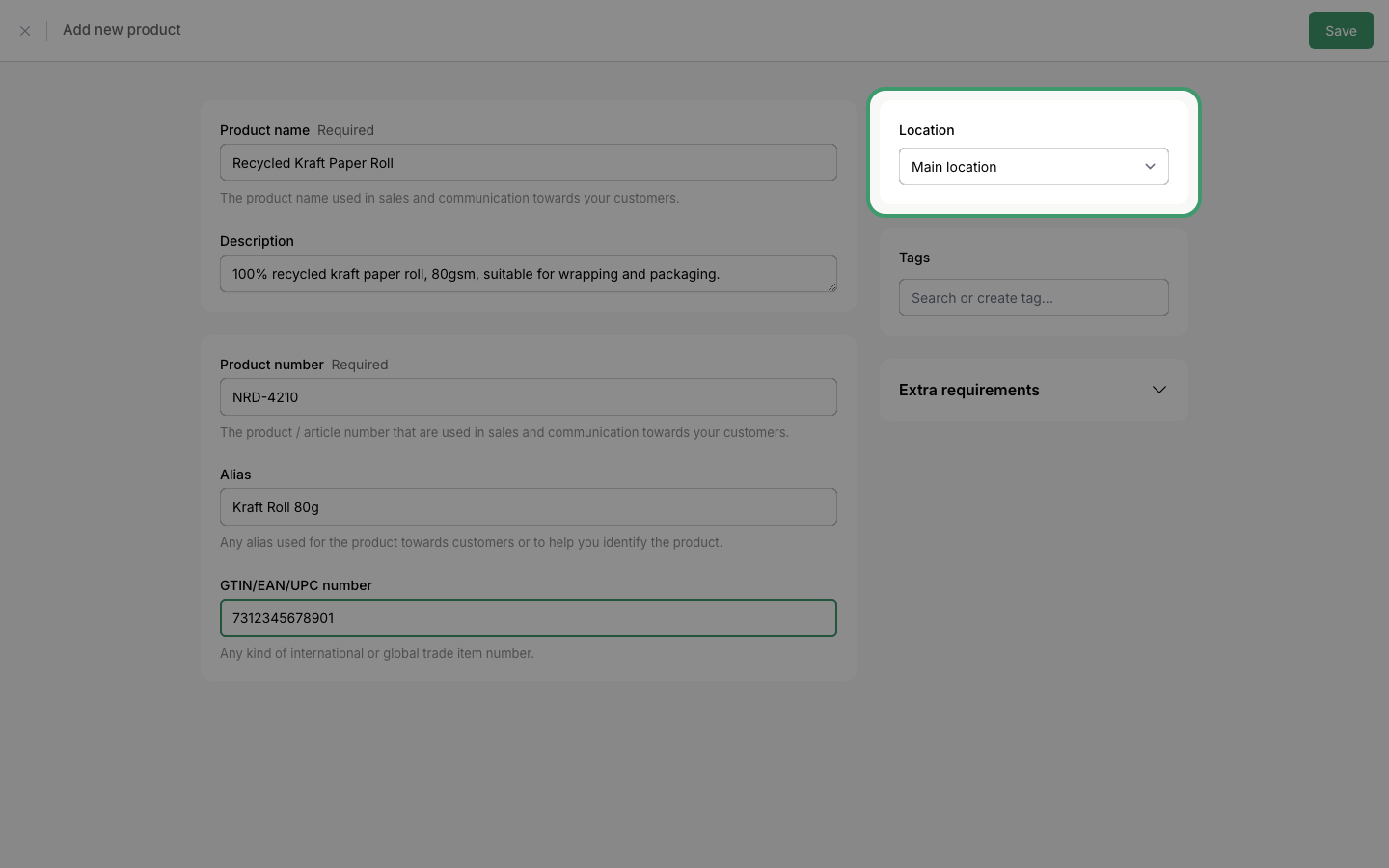
Select a location
Choose the location this product belongs to. If you have multiple locations, select the one that applies.
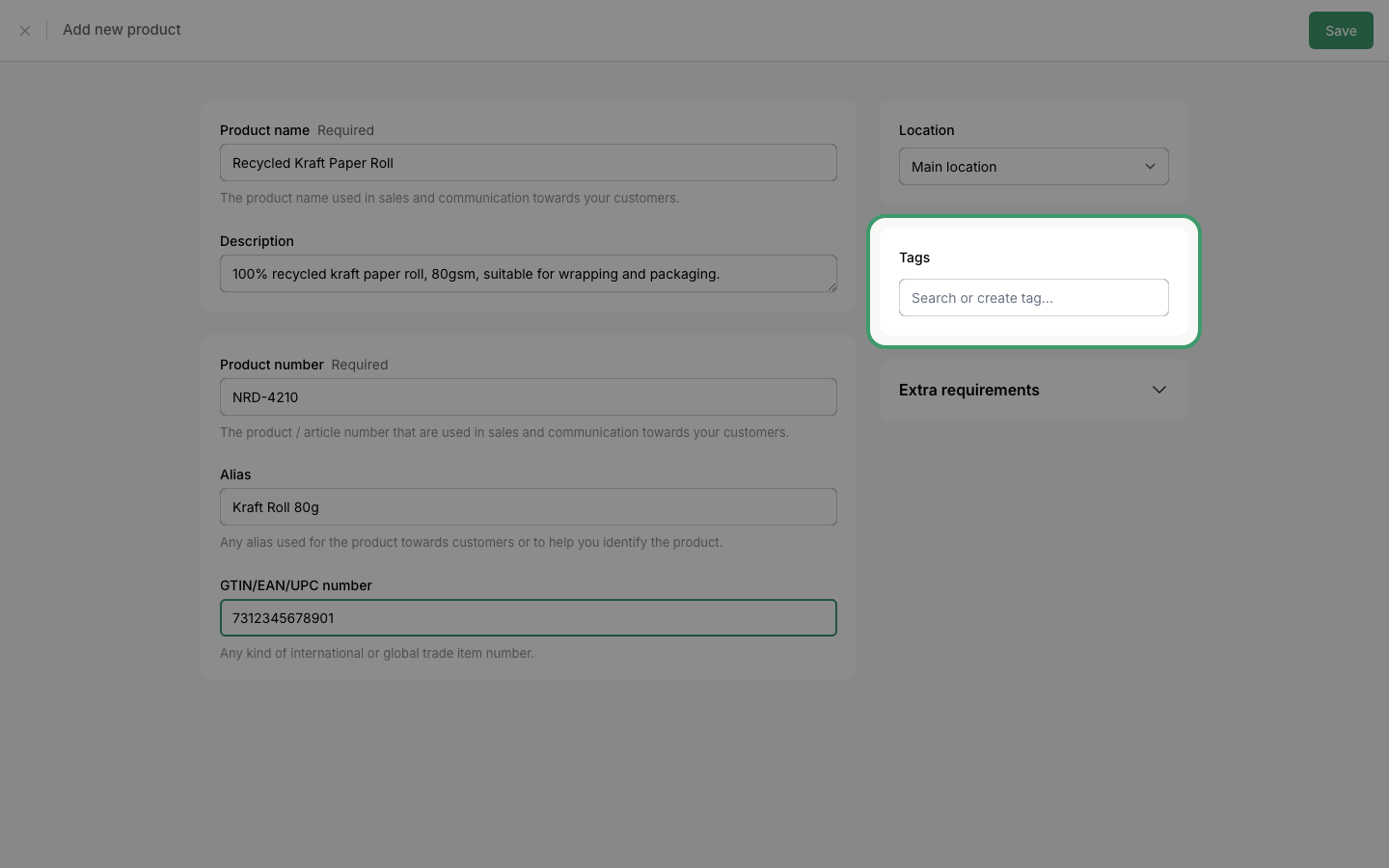
Add tags
Tags help you group and filter your products. You can search for existing tags or create new ones. This step is optional.
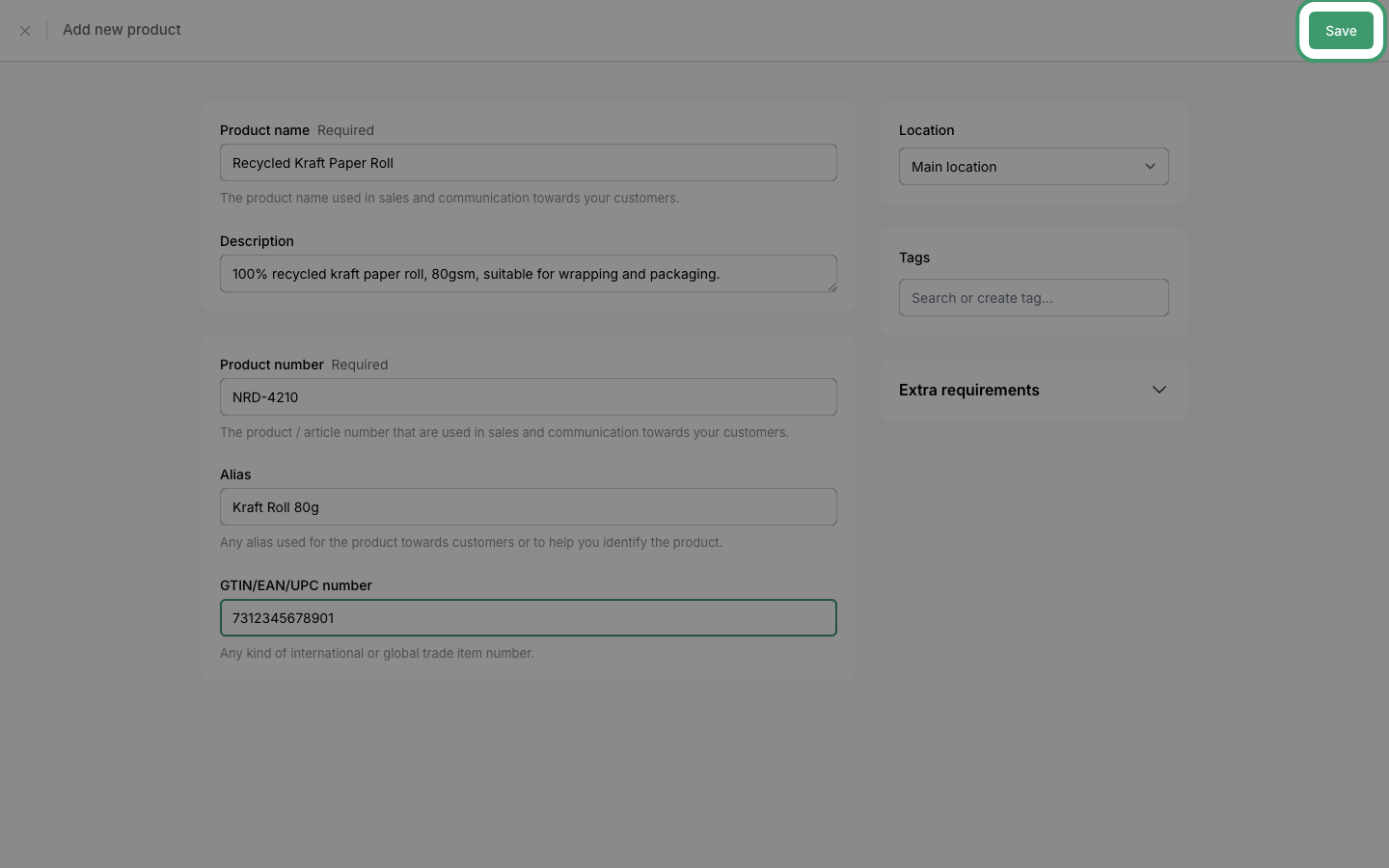
Save the product
When you are done, click Save in the top-right corner to create the product.
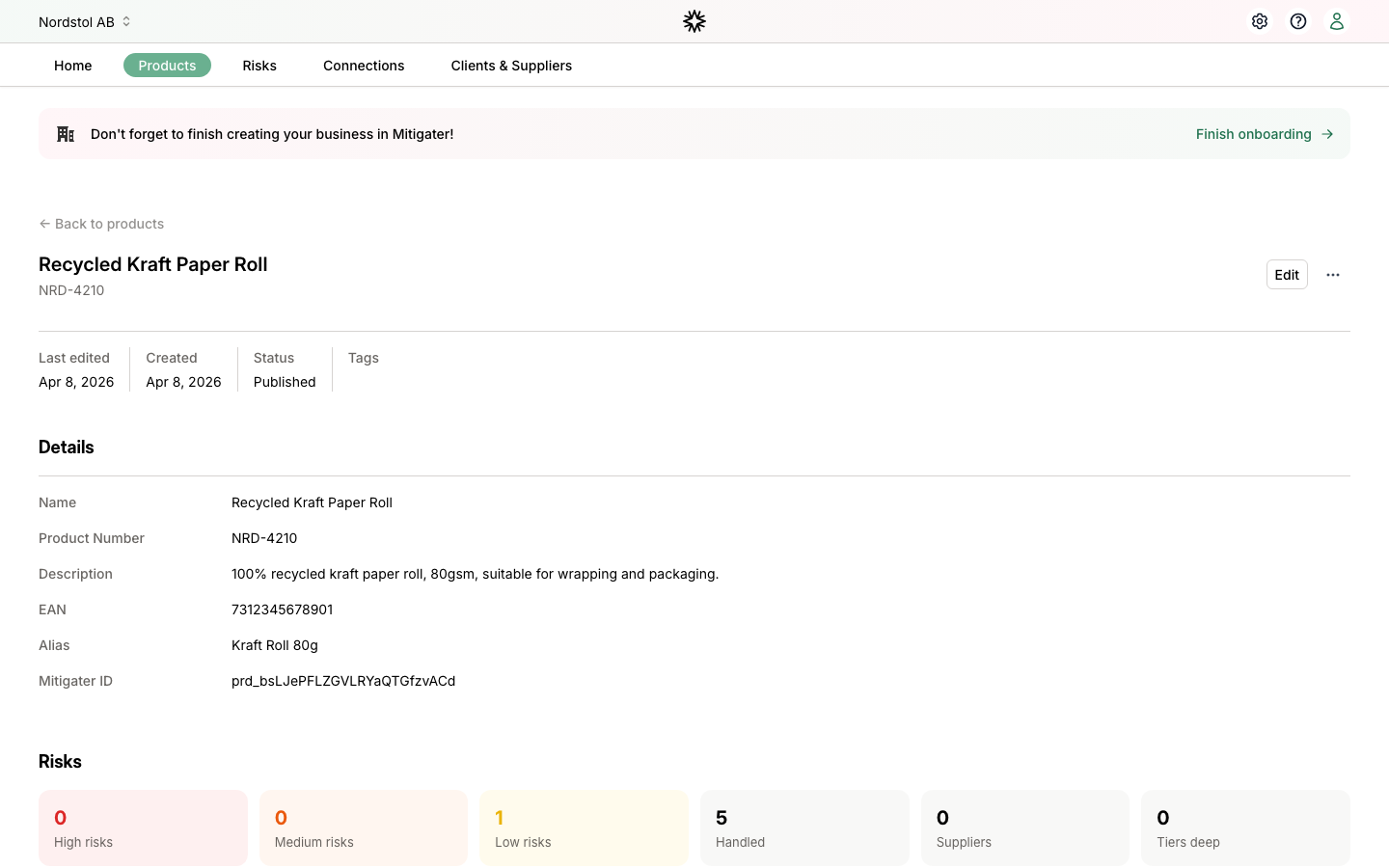
Product saved
Your product is now saved and you are taken to its detail page where you can see all the information you entered.
 Next step: Learn how to handle "Products without connections".