Suppliers without mitigation
This guide explains what "suppliers without mitigation" means in Mitigater and how to understand the mitigation status of your suppliers.
Dashboard notification
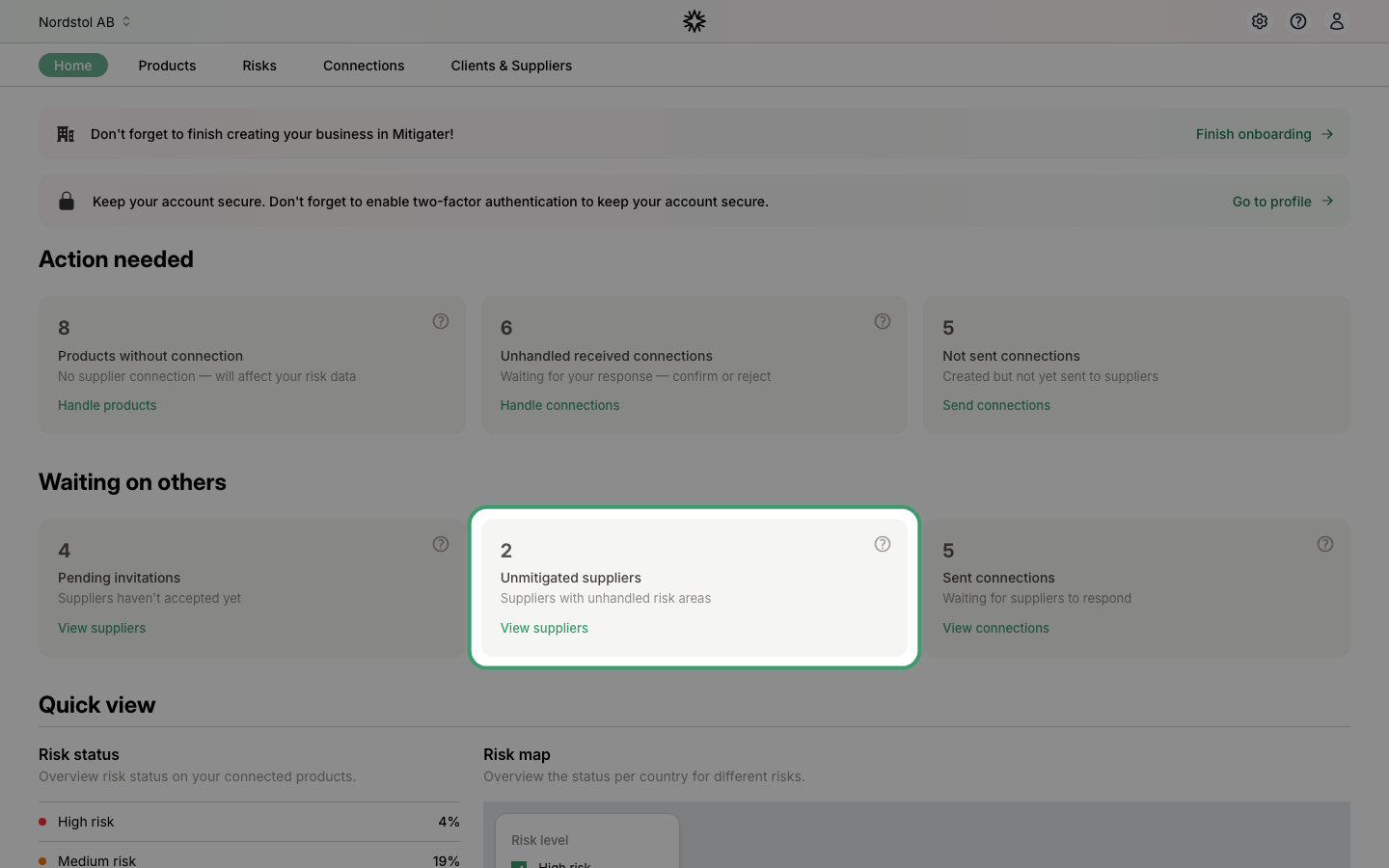
On your dashboard under Waiting on others, you can see how many suppliers have unhandled risk areas. This means these suppliers have not yet uploaded certificates or documentation to cover all their risks. Click View suppliers to see which suppliers are affected.
Understanding the mitigation count
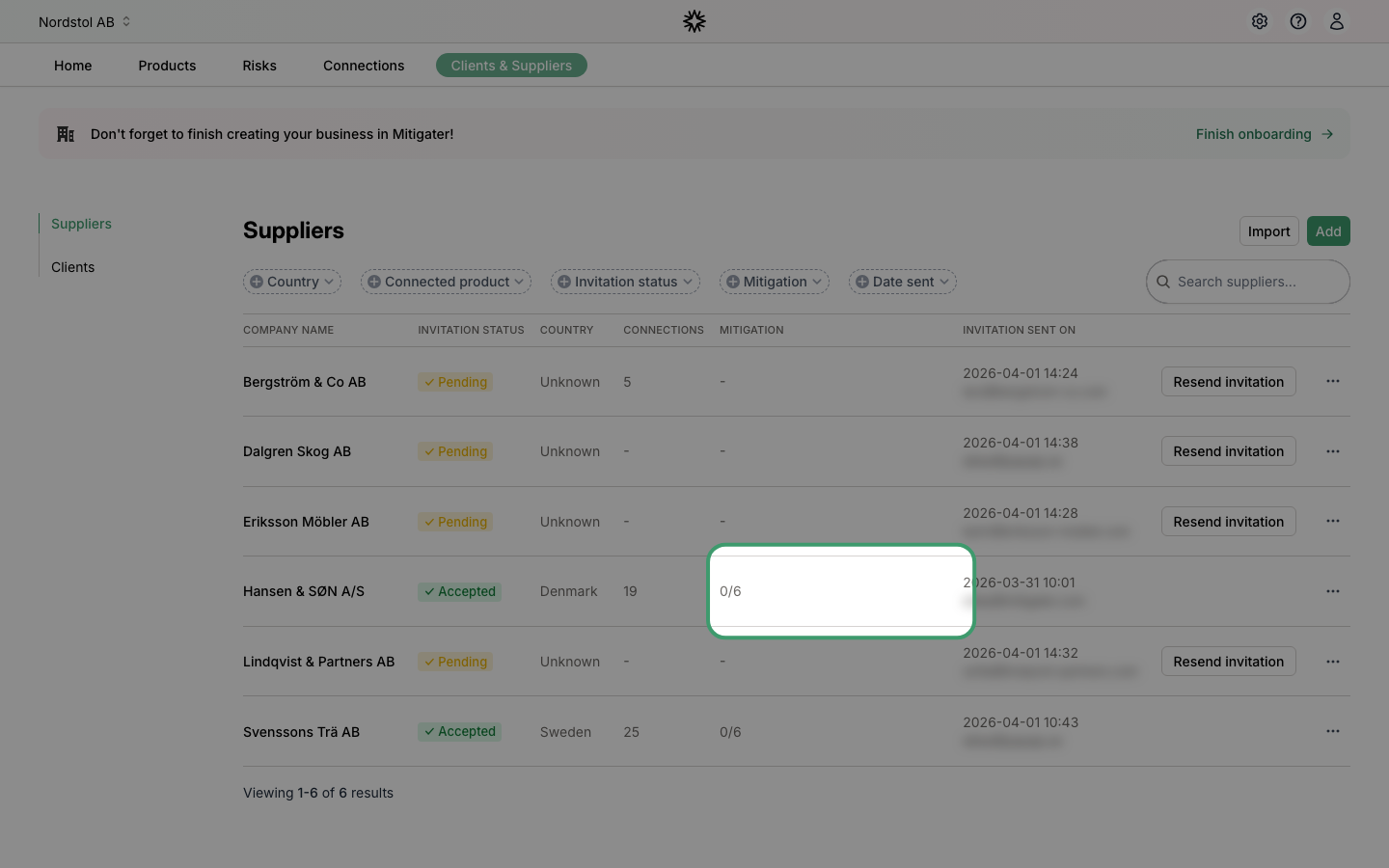
In the suppliers list, the Mitigation column shows how many risks each supplier has handled. For example, 0/6 means the supplier has mitigated 0 out of 6 risks. It is common that not all risks are handled — this depends on what certificates and documentation the supplier has uploaded.
If a supplier has uploaded documentation that you believe covers a risk, you can accept it yourself. Learn how to accept a document as a handled risk.
Next step: Learn how to accept a document as a handled risk.