Invite new team members
This guide shows you how to invite new team members to your company in Mitigater. There is no limit to how many users you can add.
Navigate to your profile
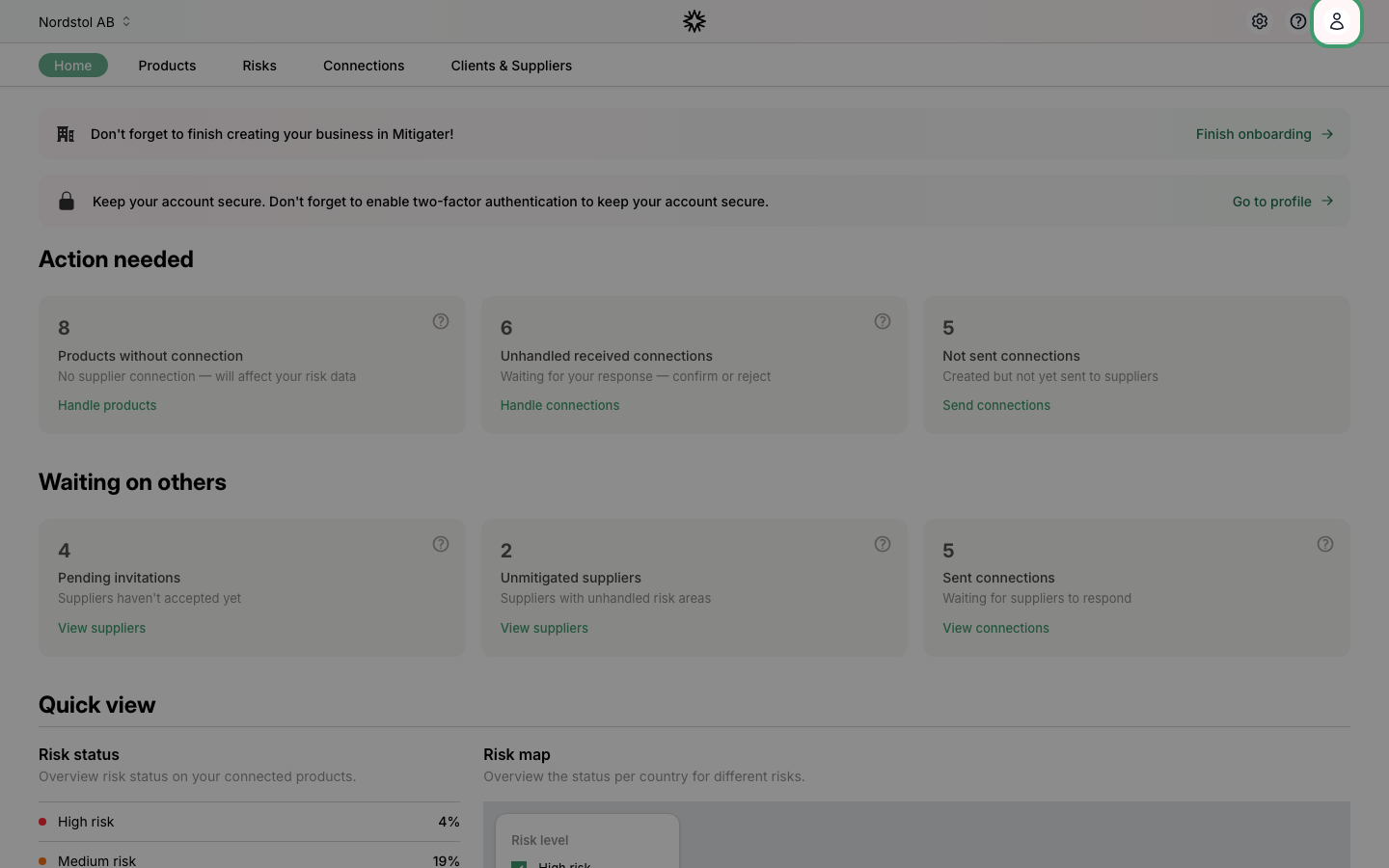
Click the user icon in the top-right corner of the navigation bar.
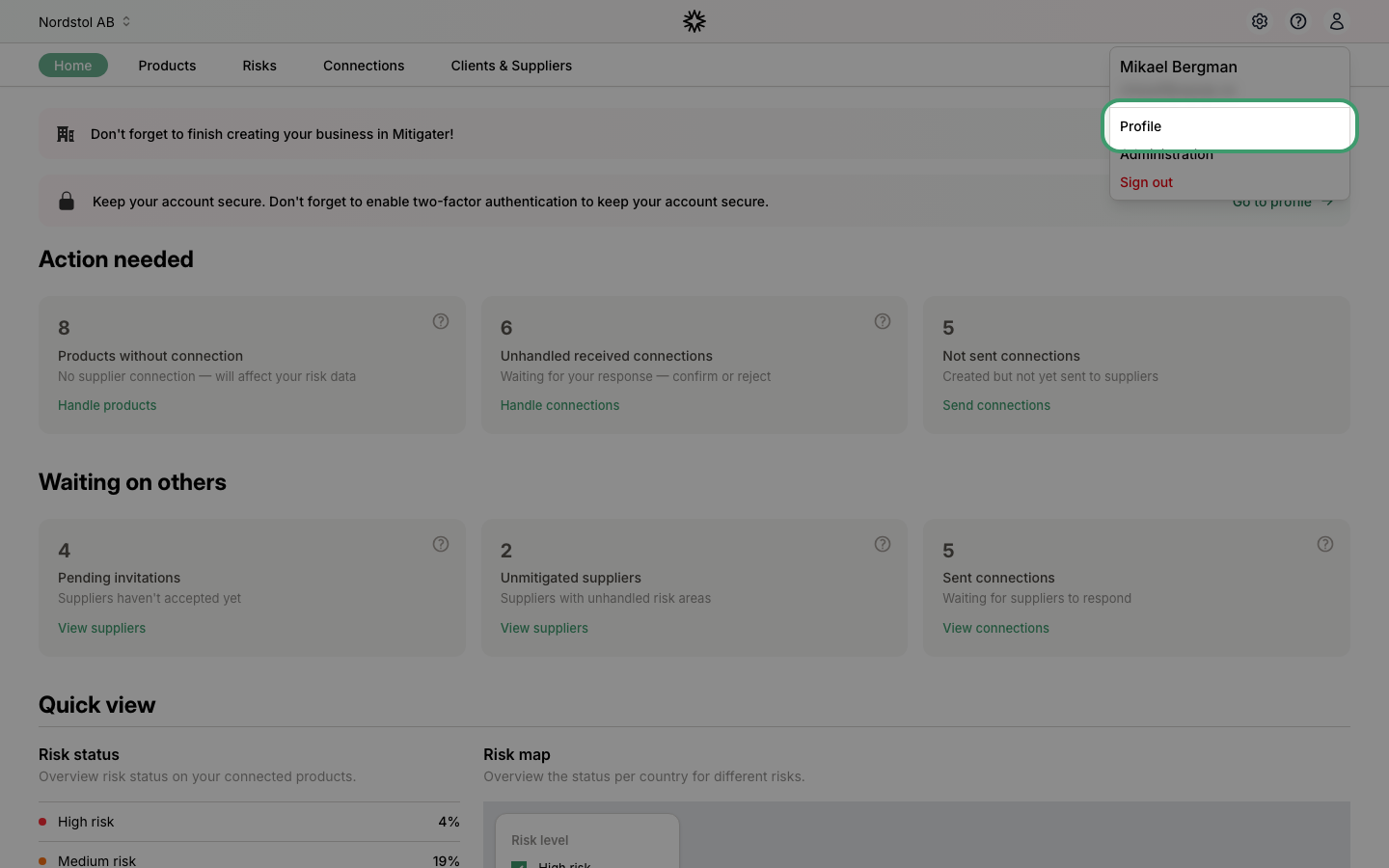
Click Profile
Select Profile from the dropdown menu.
Open your company
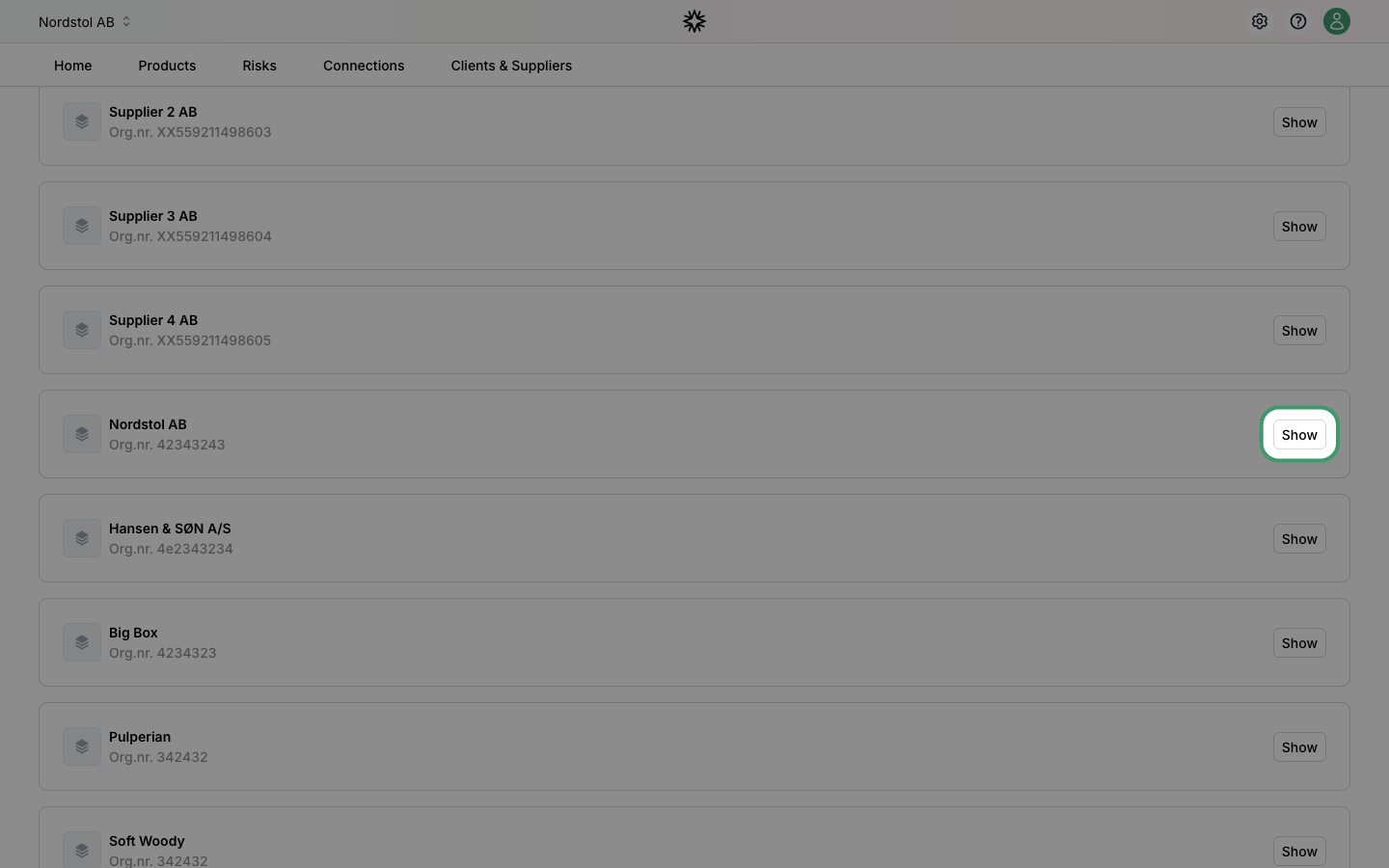
On the profile page, find the Companies section and click Show on the company you want to add a team member to.
Click New member
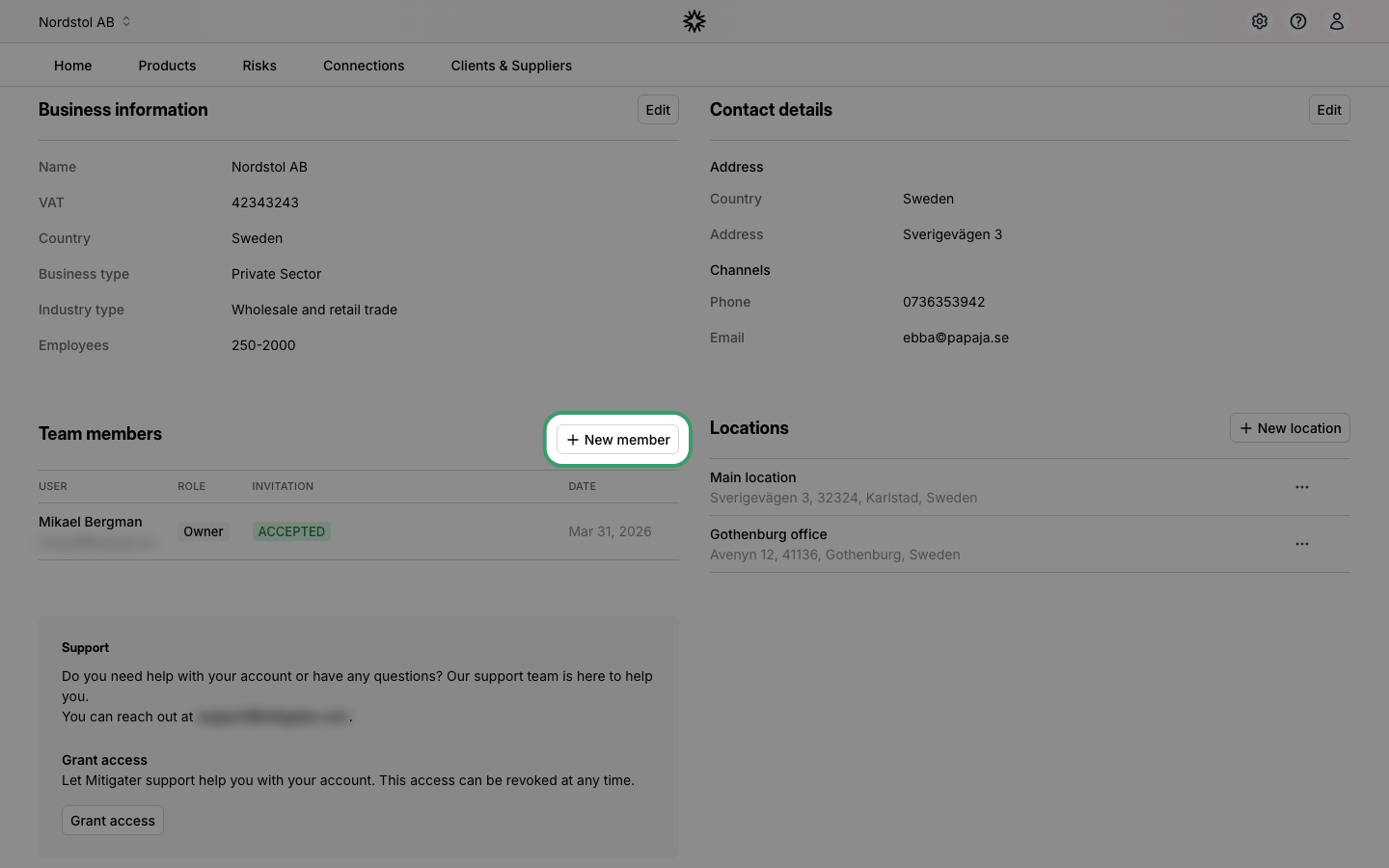
On the company page, find the Team members section and click + New member.
Fill in the details
Enter the new team member's email, first name, last name, job title, and role. The default role is Owner.
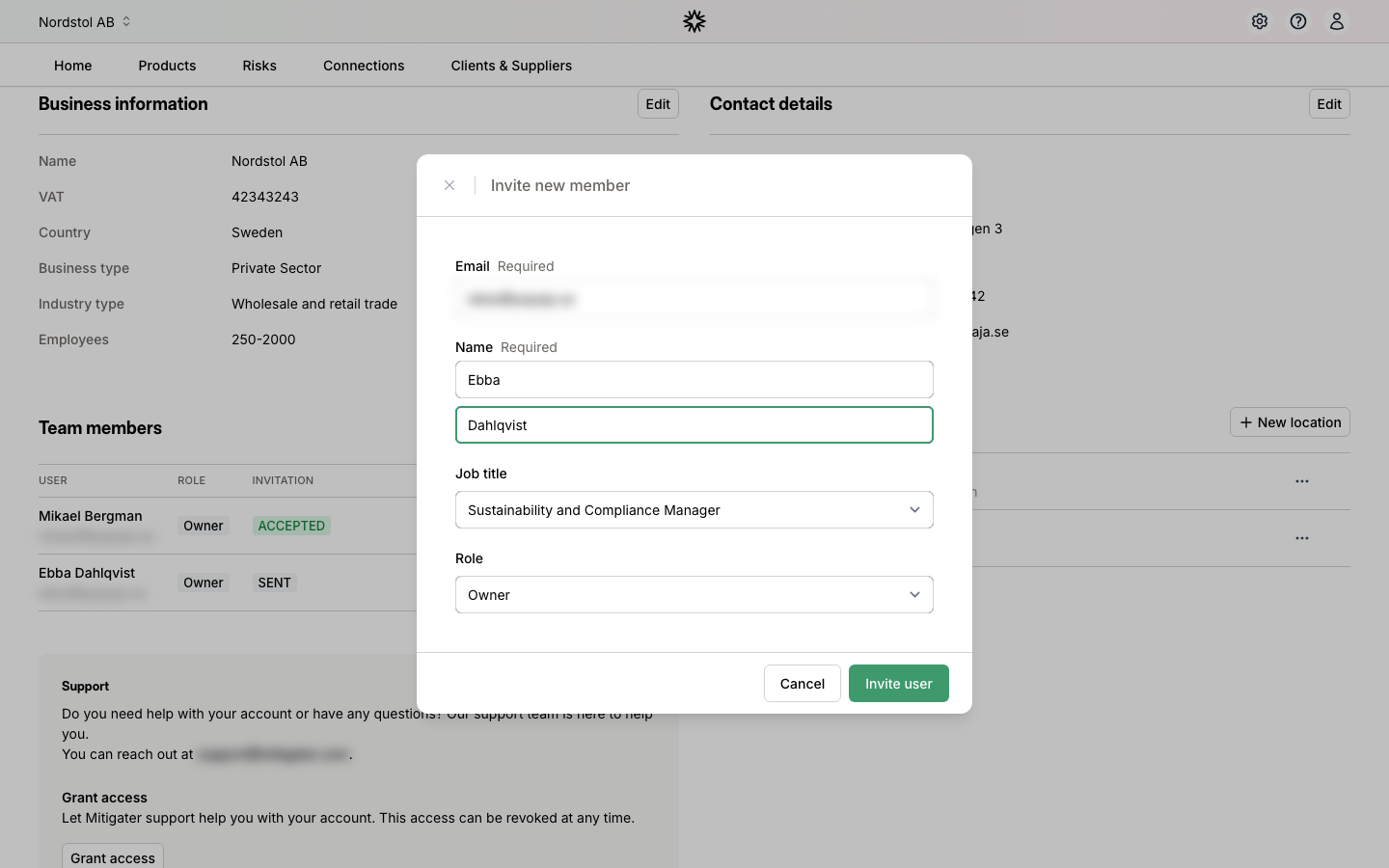
Send the invitation
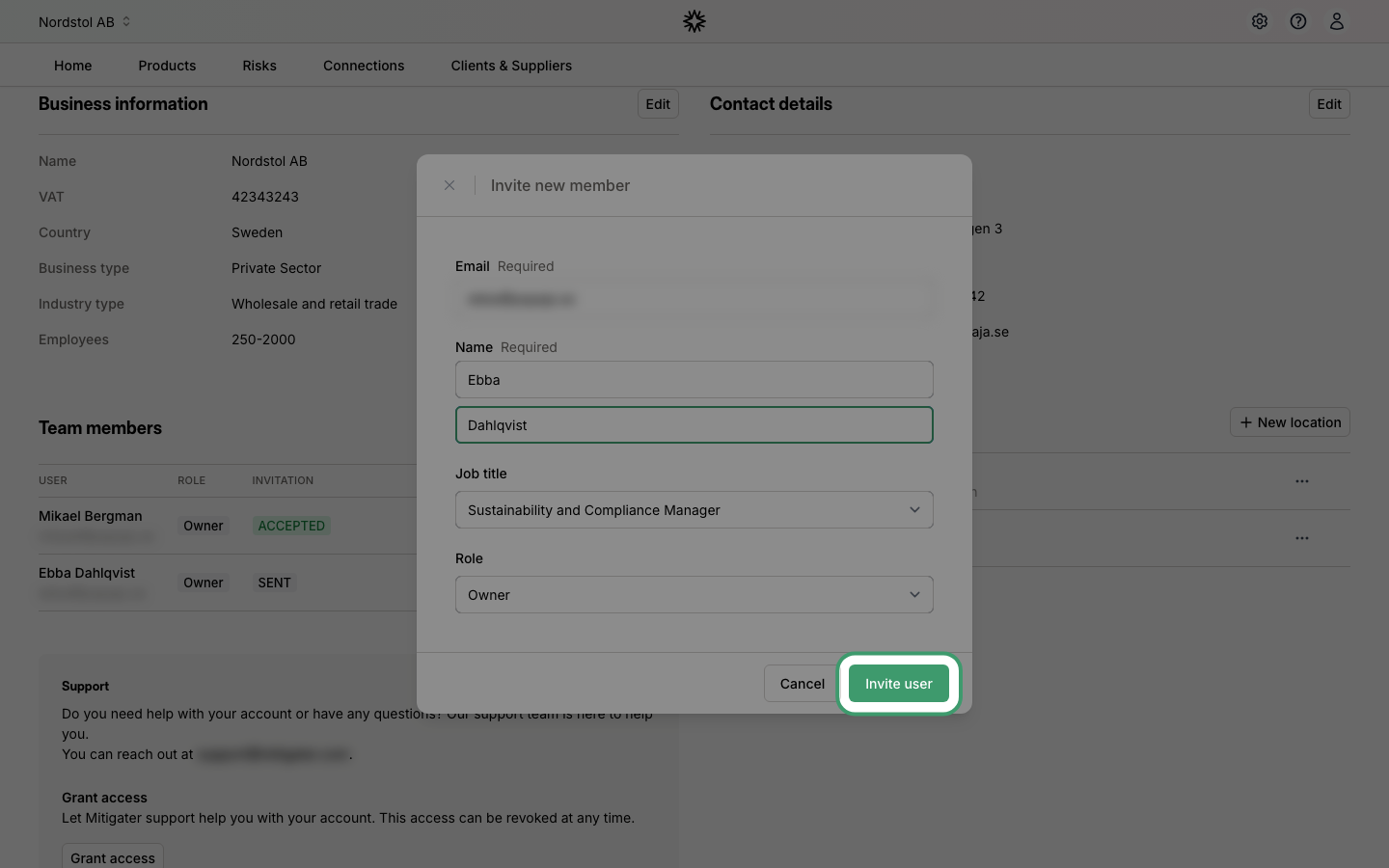
Click Invite user to send the invitation. The new team member will receive an email with instructions on how to join.
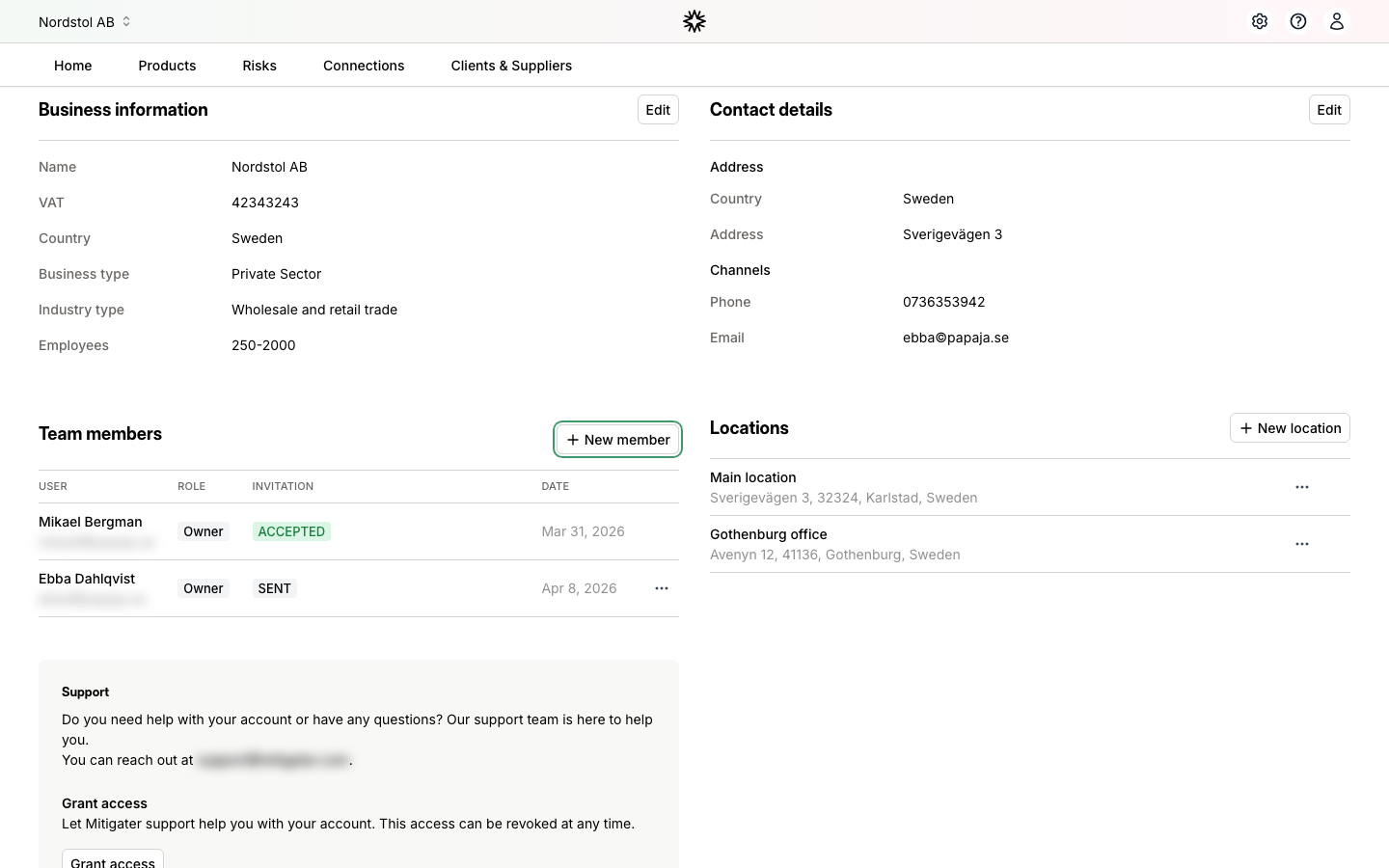
Invitation sent
The new team member now appears in the list with the status SENT. They will receive an email inviting them to create their account and join your company.
 Next step: Learn how to understand unhandled sent connections.