Upload the products file
This guide will walk you through importing the products file. The products file is generated from our example file and emailed to you from our support team.
Find the import button
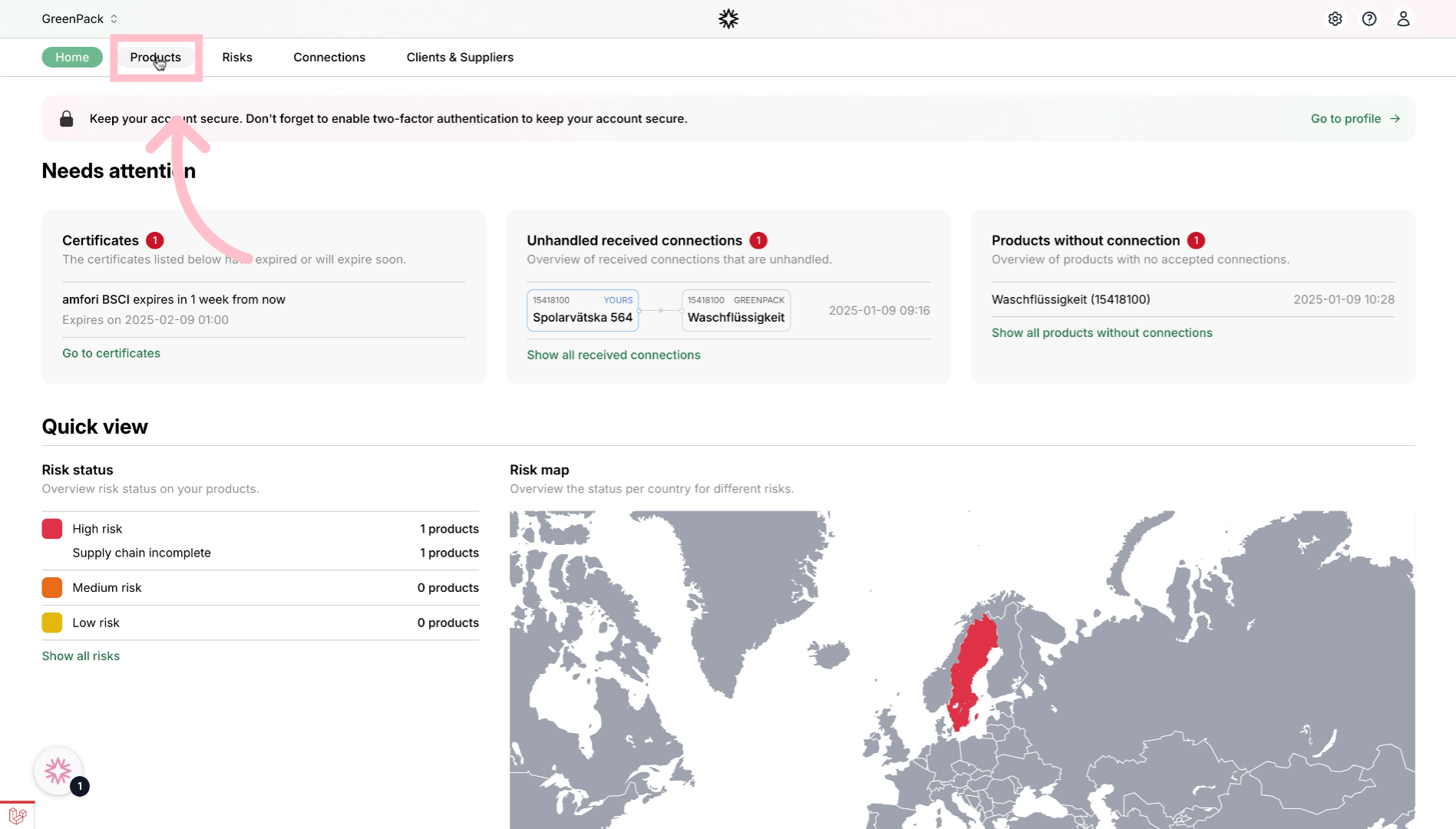
Navigate to the products section.
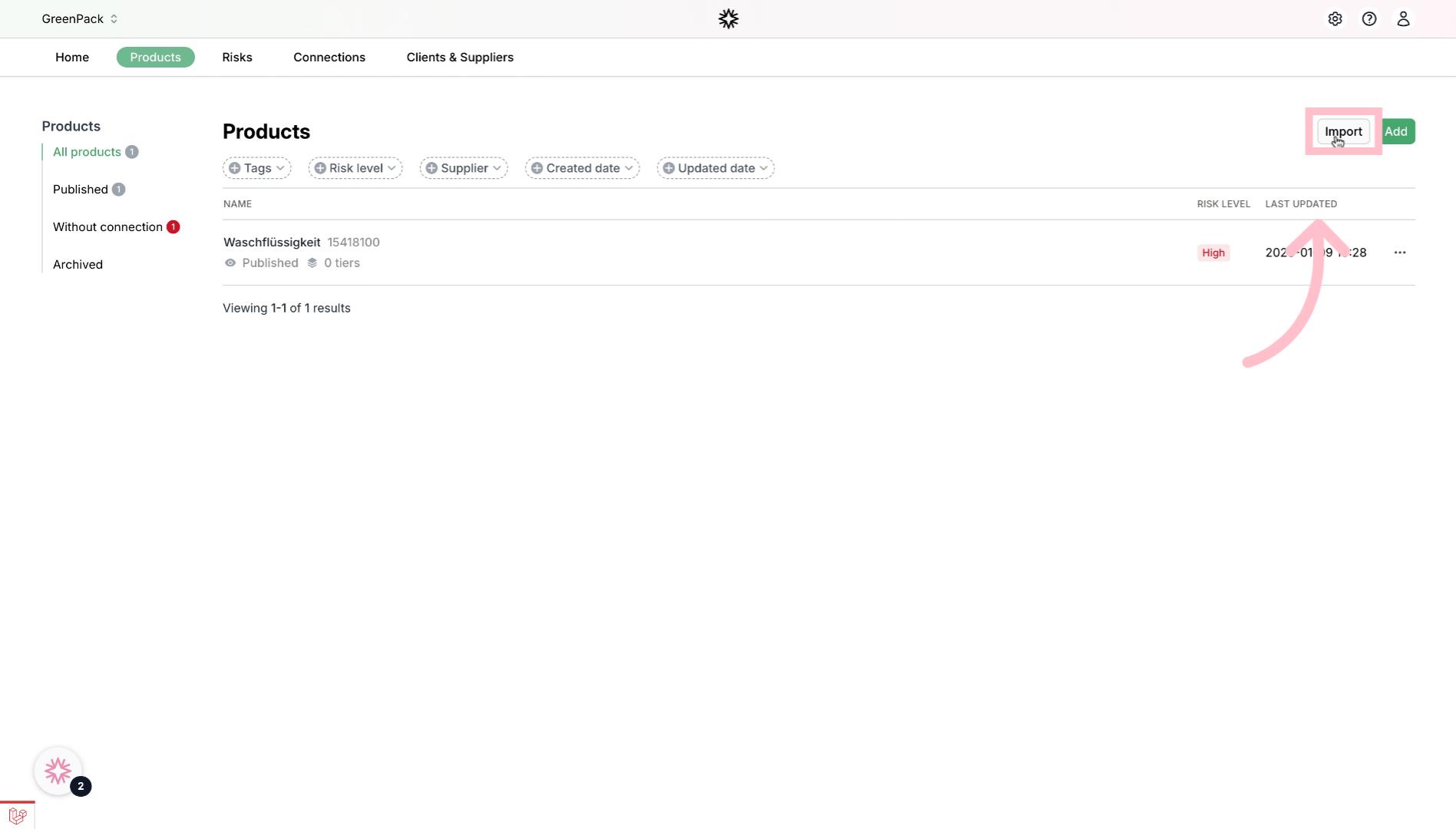
Click the import button.
Upload your export_products file
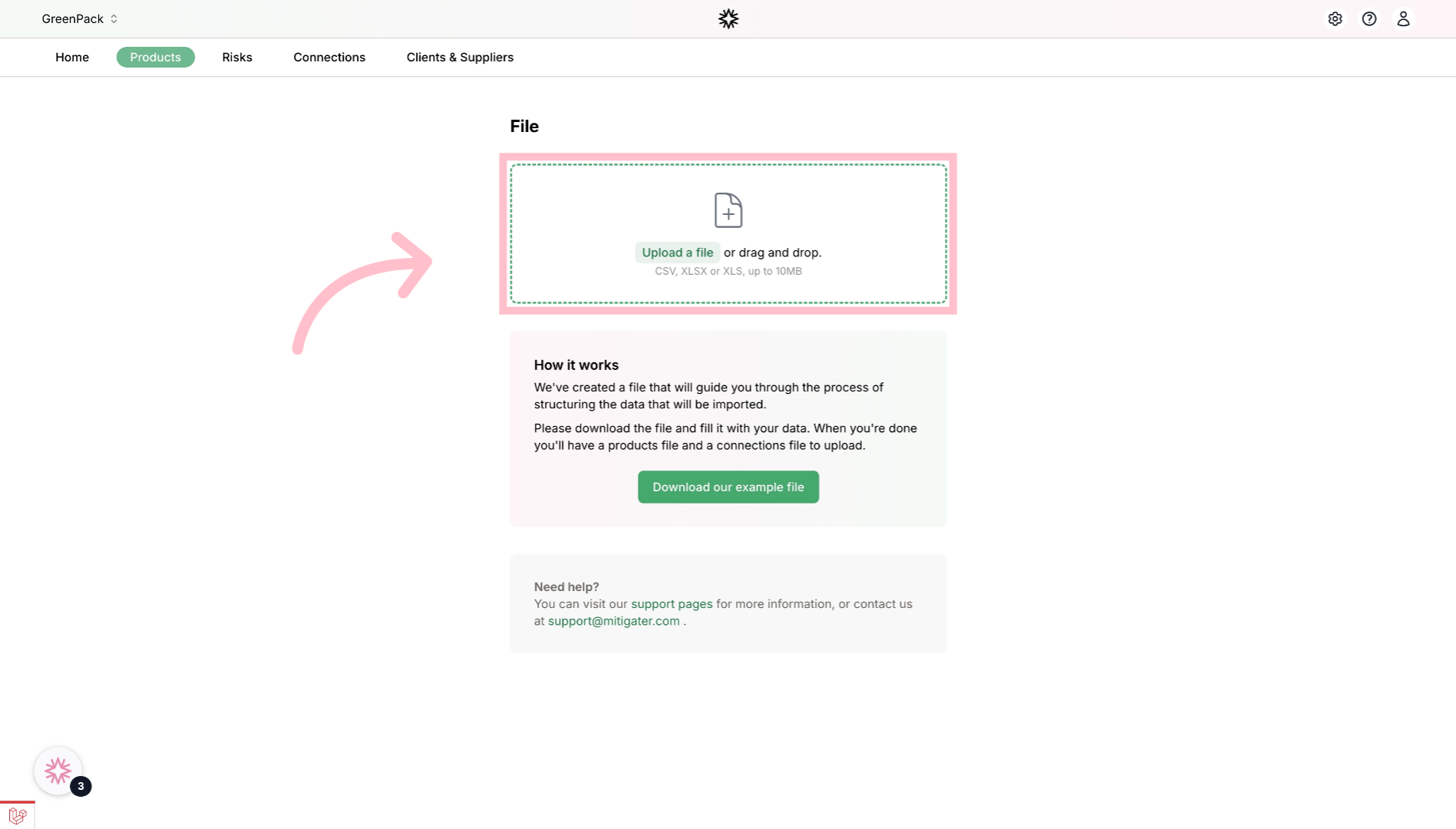
Upload or Drag And Drop your export_products excel file.
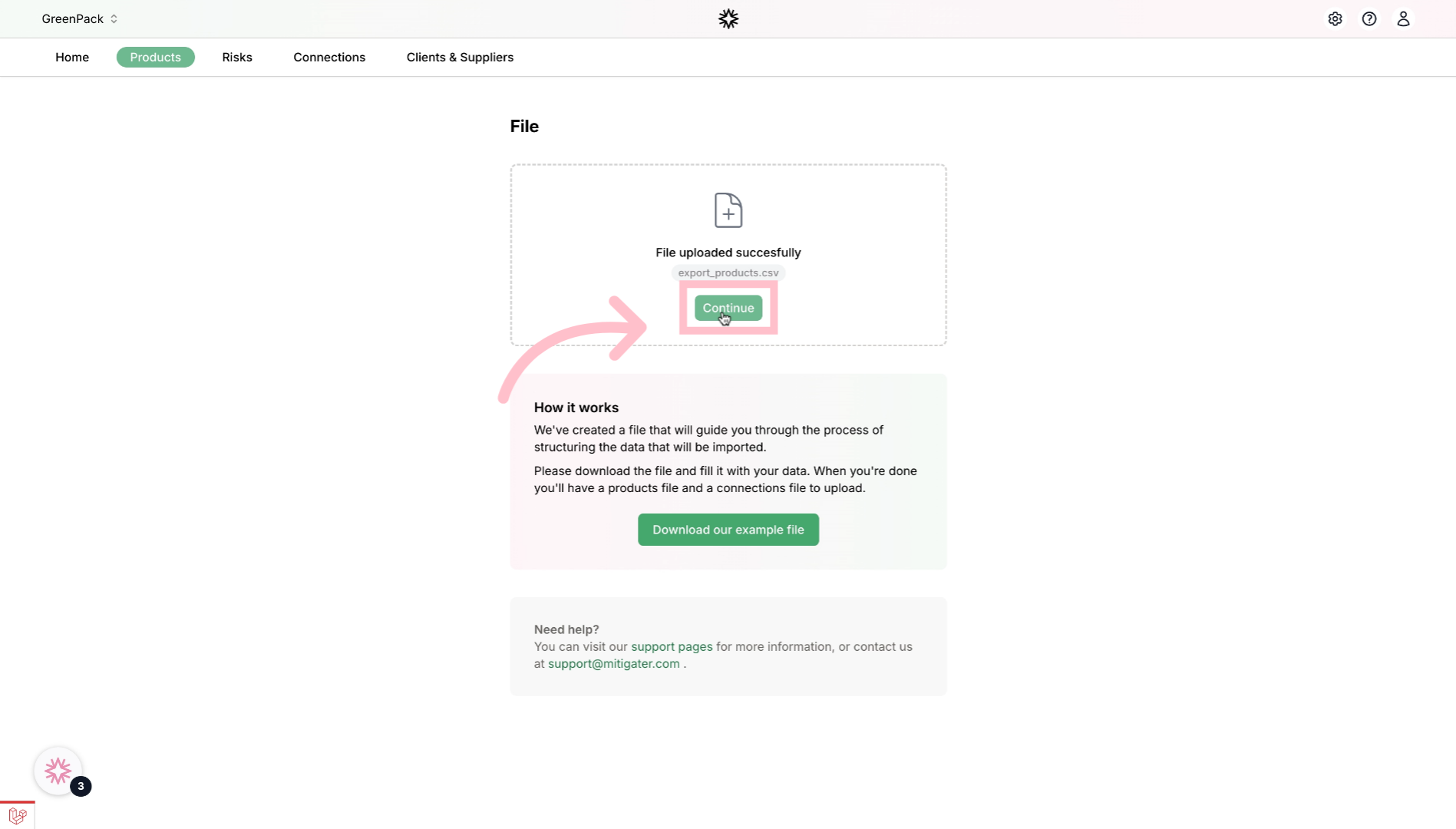
Click continue to start the verification of the products list
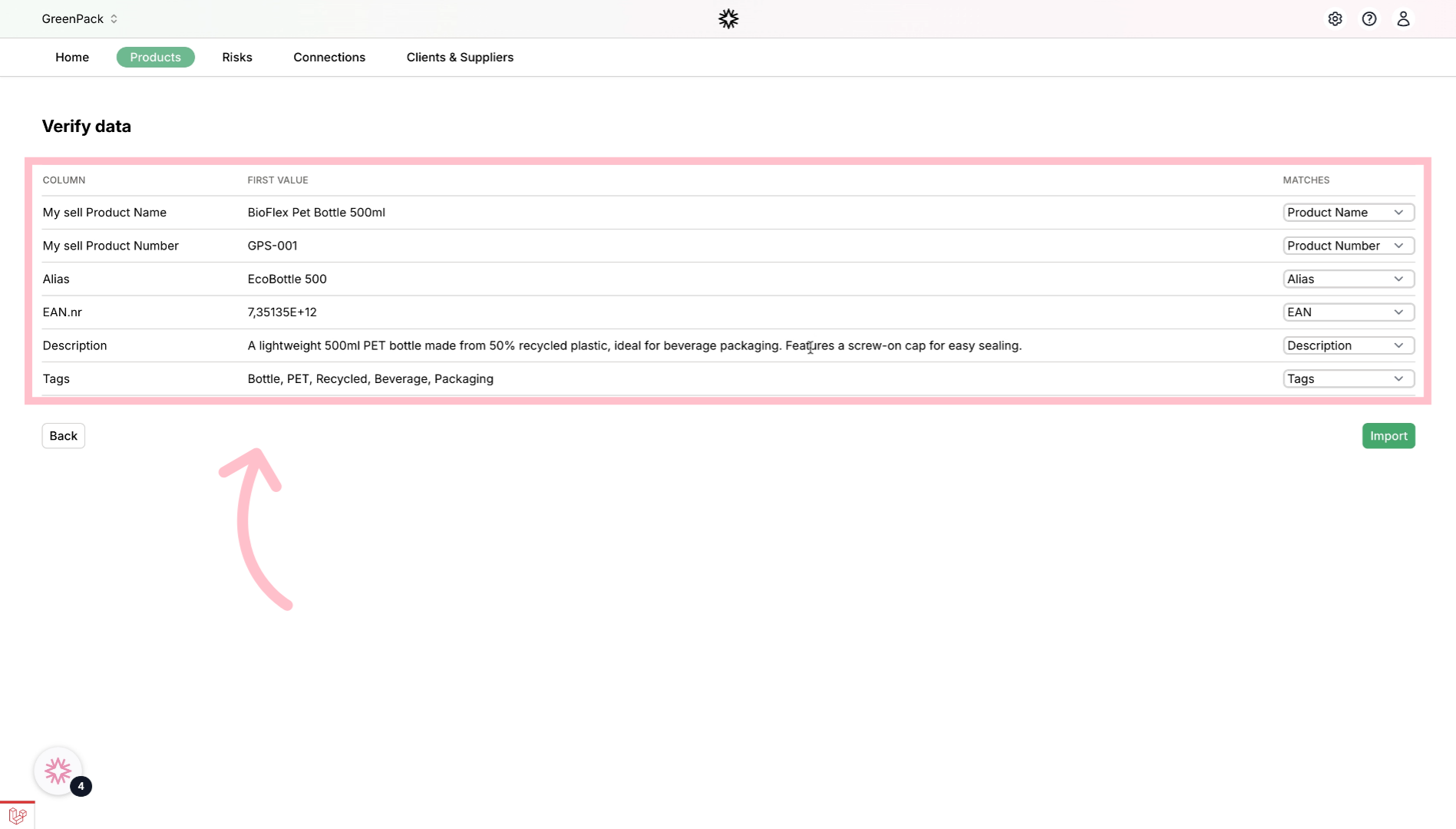
Verify the data
Verify that the data for the first product is on the correct column. You can change it if needed.
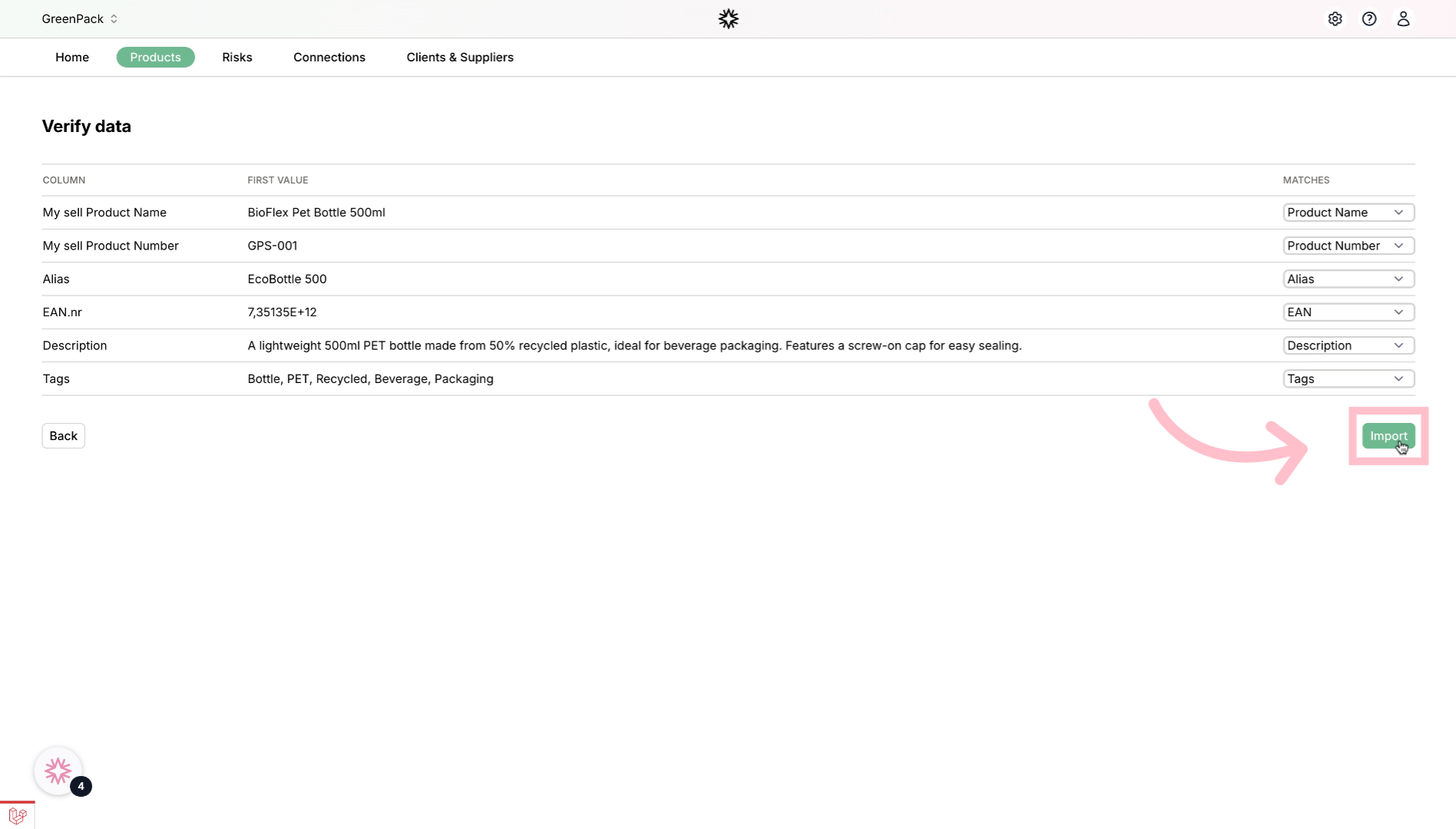
Import data
Click import to start the import.
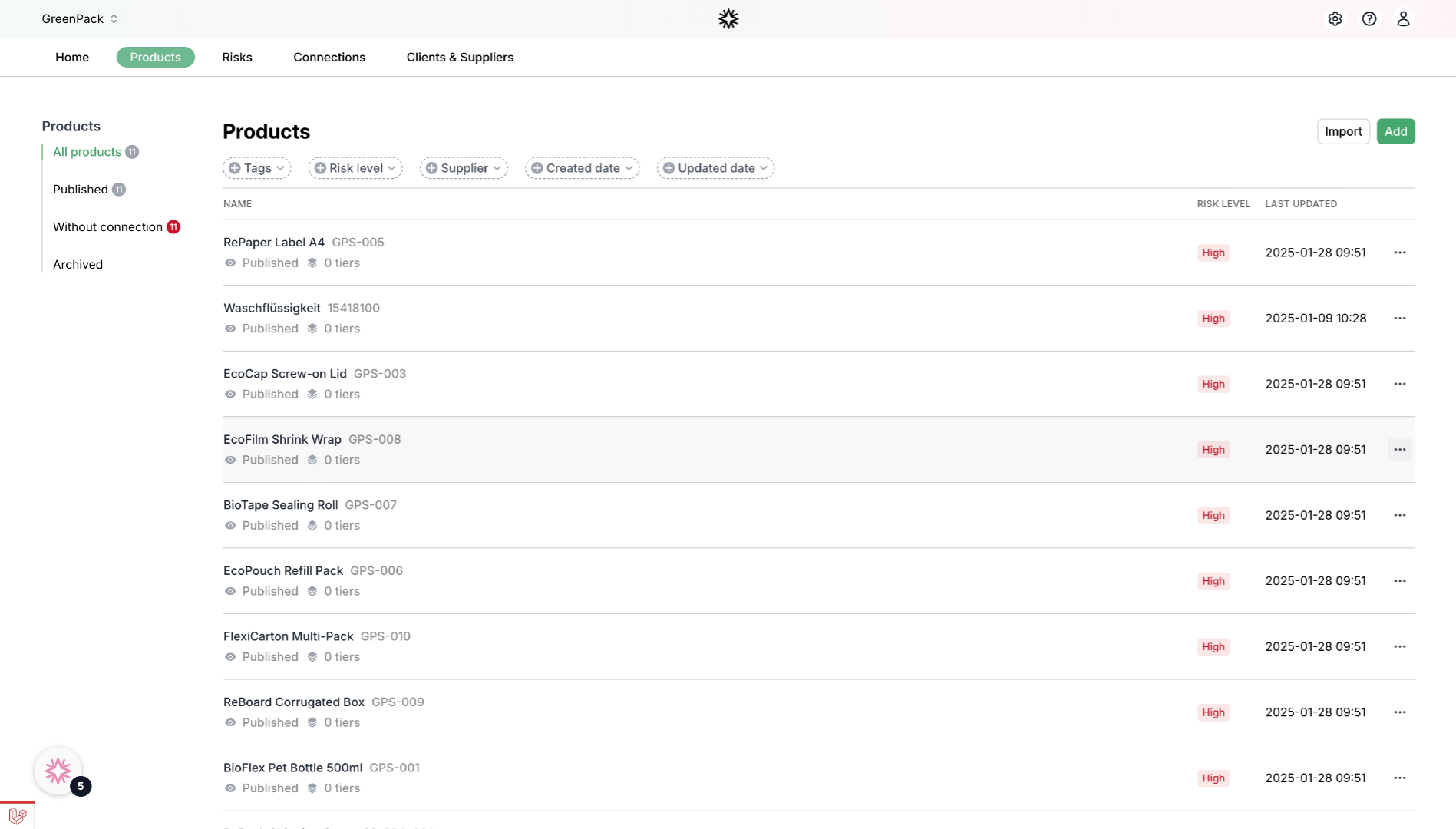
Watch you products populate in Mitigater.
Thank you for watching this guide on how to import your products file.