Archive a connection
This guide will walk you through archiving a connection in Mitigater. You cannot remove a connection entirely from the program — this is to protect existing value chains. But you can archive a connection to make it disappear for your supplier.
Locate the connection
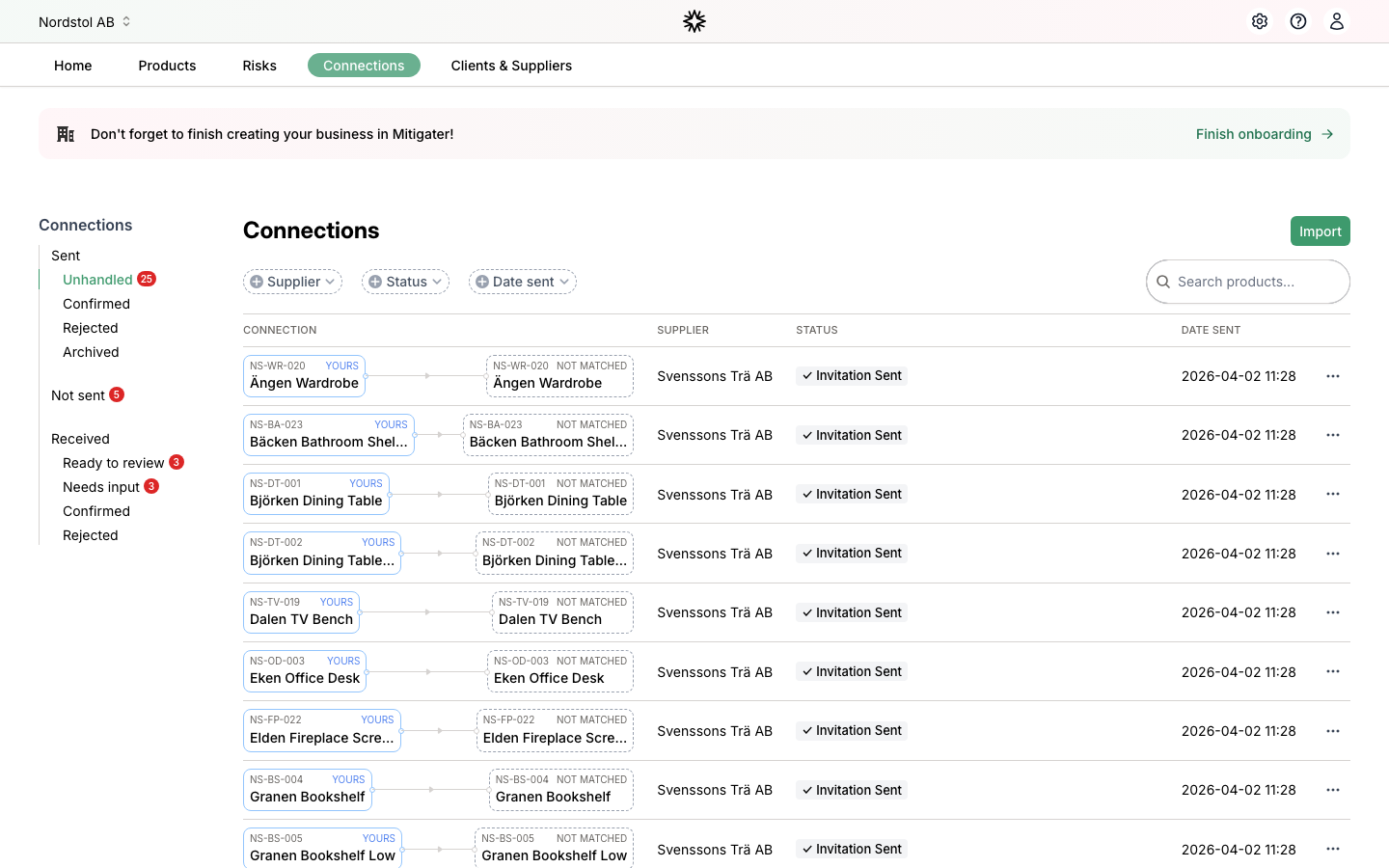
Go to the Connections page and find the connection you want to archive. Connections with statuses other than Confirmed can be archived.
Open the actions menu
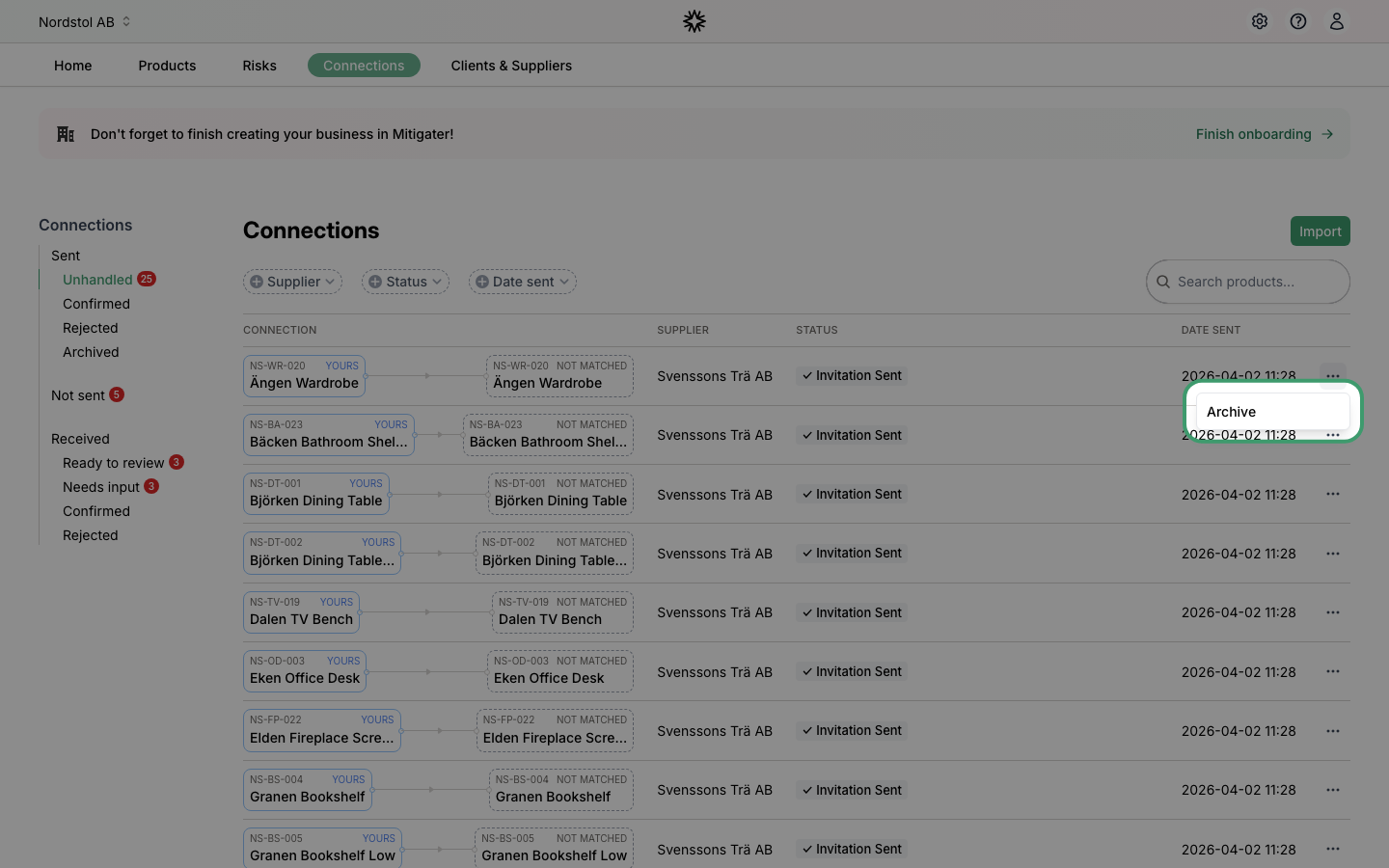
Click the three-dot menu icon on the right side of the connection row. A dropdown will appear with available actions.
Click Archive
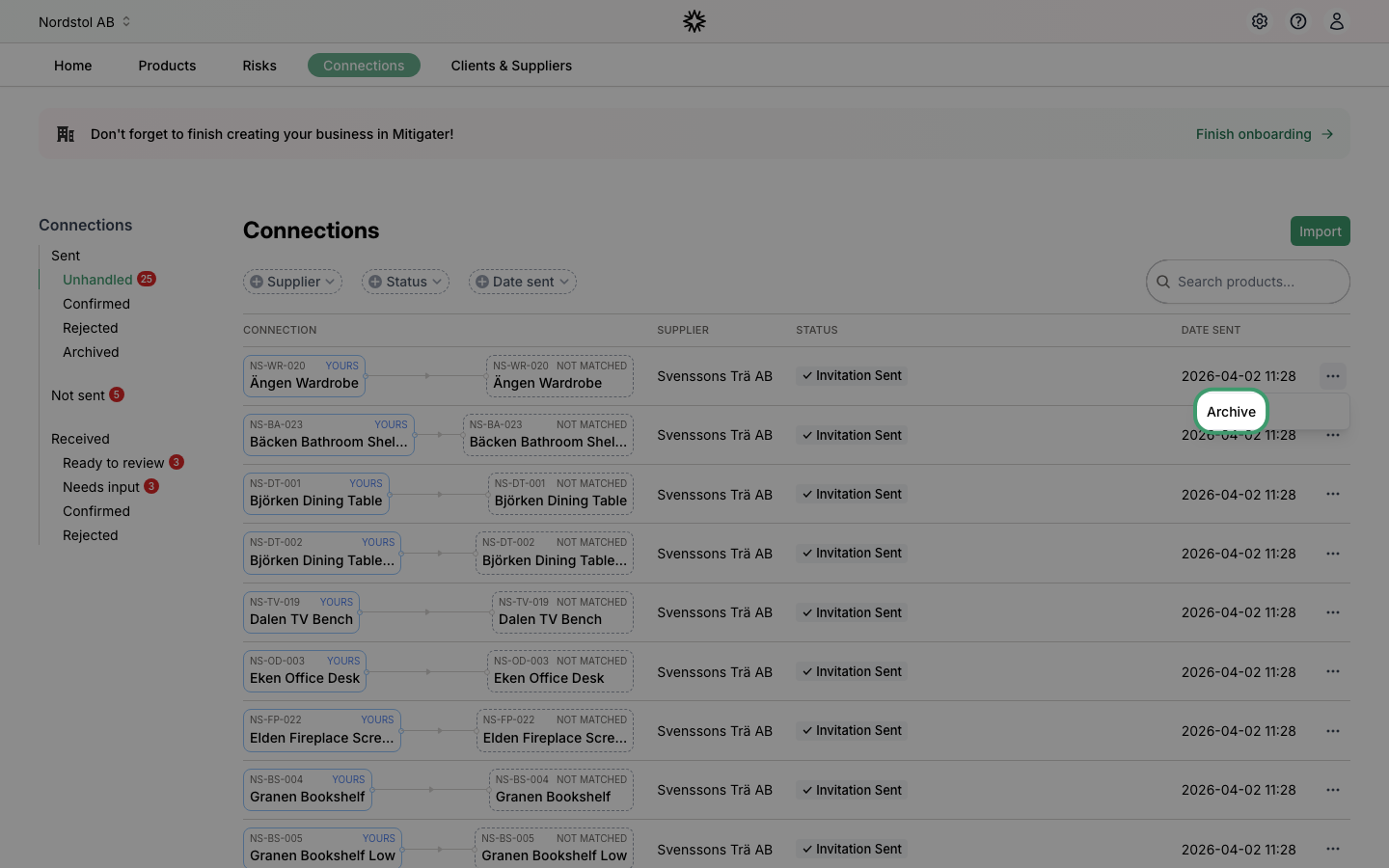
Select Archive from the dropdown menu.
View archived connections
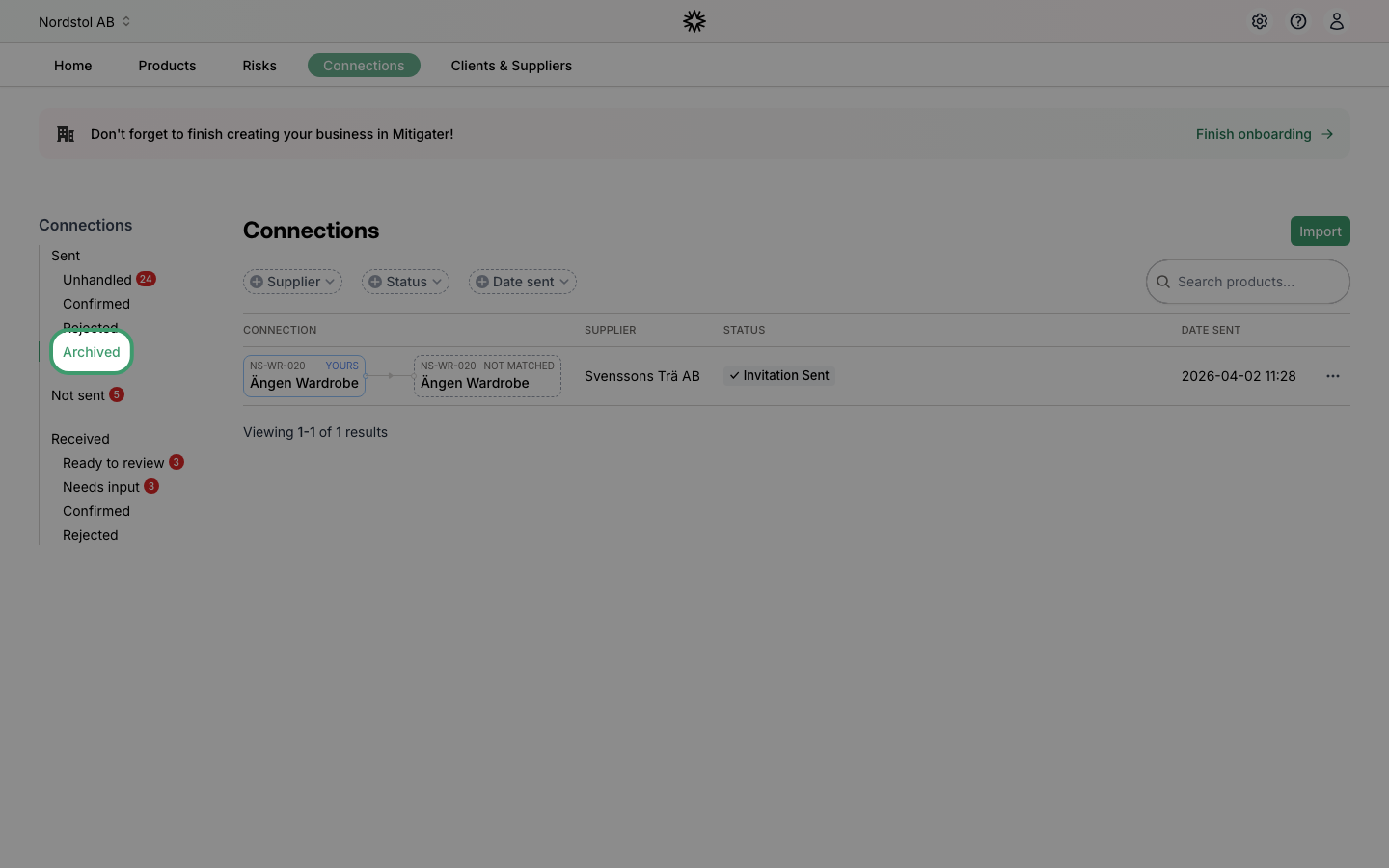
The connection is now archived and no longer visible to your supplier. To find it, click Archived in the sidebar under Sent.
Restore a connection
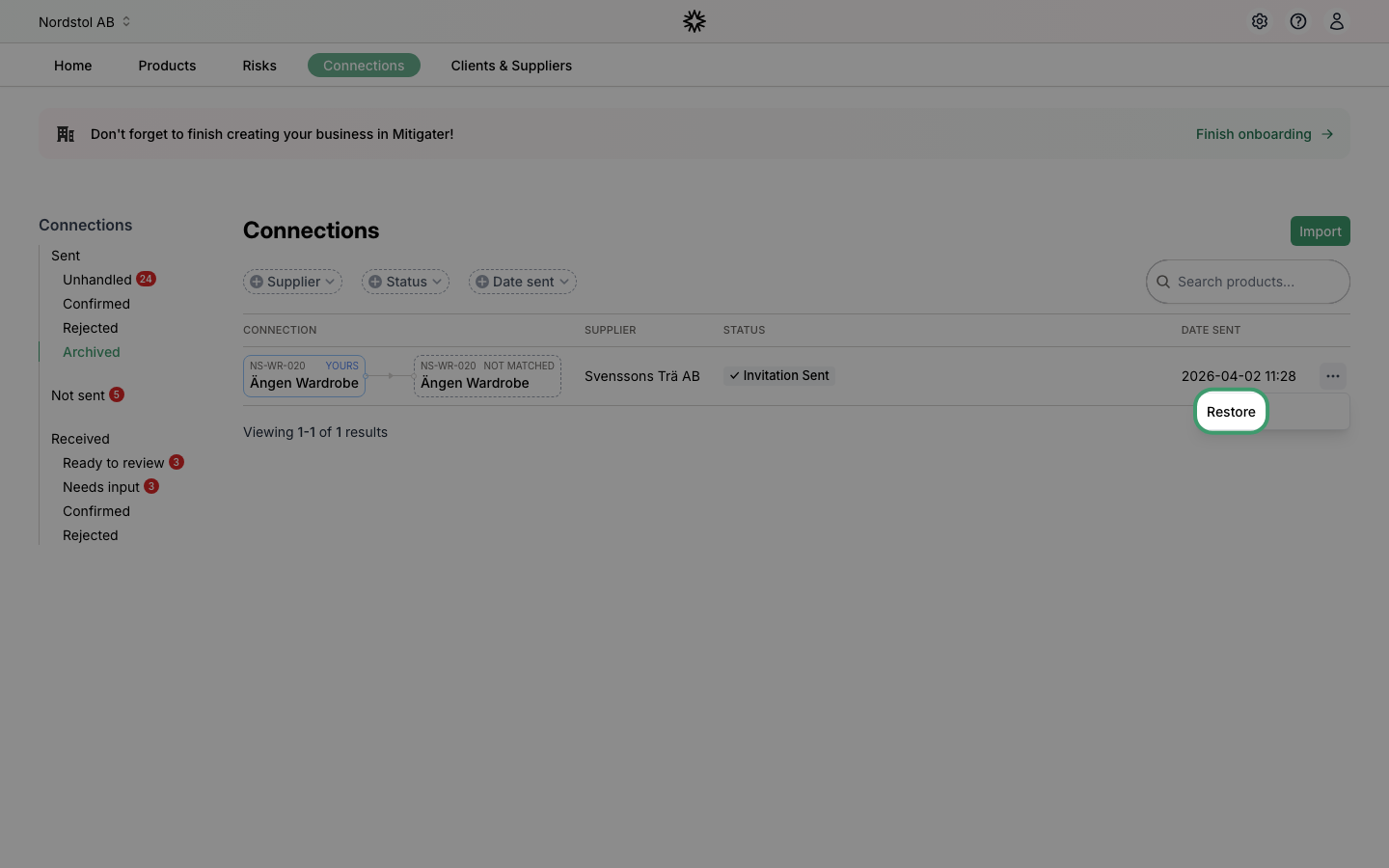
If you want to bring back an archived connection, open the three-dot menu on the archived connection and click Restore. The connection will be visible again for both you and your supplier.
 Need help? Learn how to grant access for support.